Raccoon PDF Editor vs Adobe Acrobat online at a glance
| Raccoon PDF Editor | Adobe Acrobat online | |
|---|---|---|
| Price for everyday use | Free, every feature | Limited free use; full features need an Acrobat subscription |
| Free usage limit | None | Most tools: one free task without signing in; premium tools about once every 30 days with a free account |
| Where files are processed | In your browser; never uploaded | Uploaded to Adobe cloud storage |
| Account needed | No | For most repeat use |
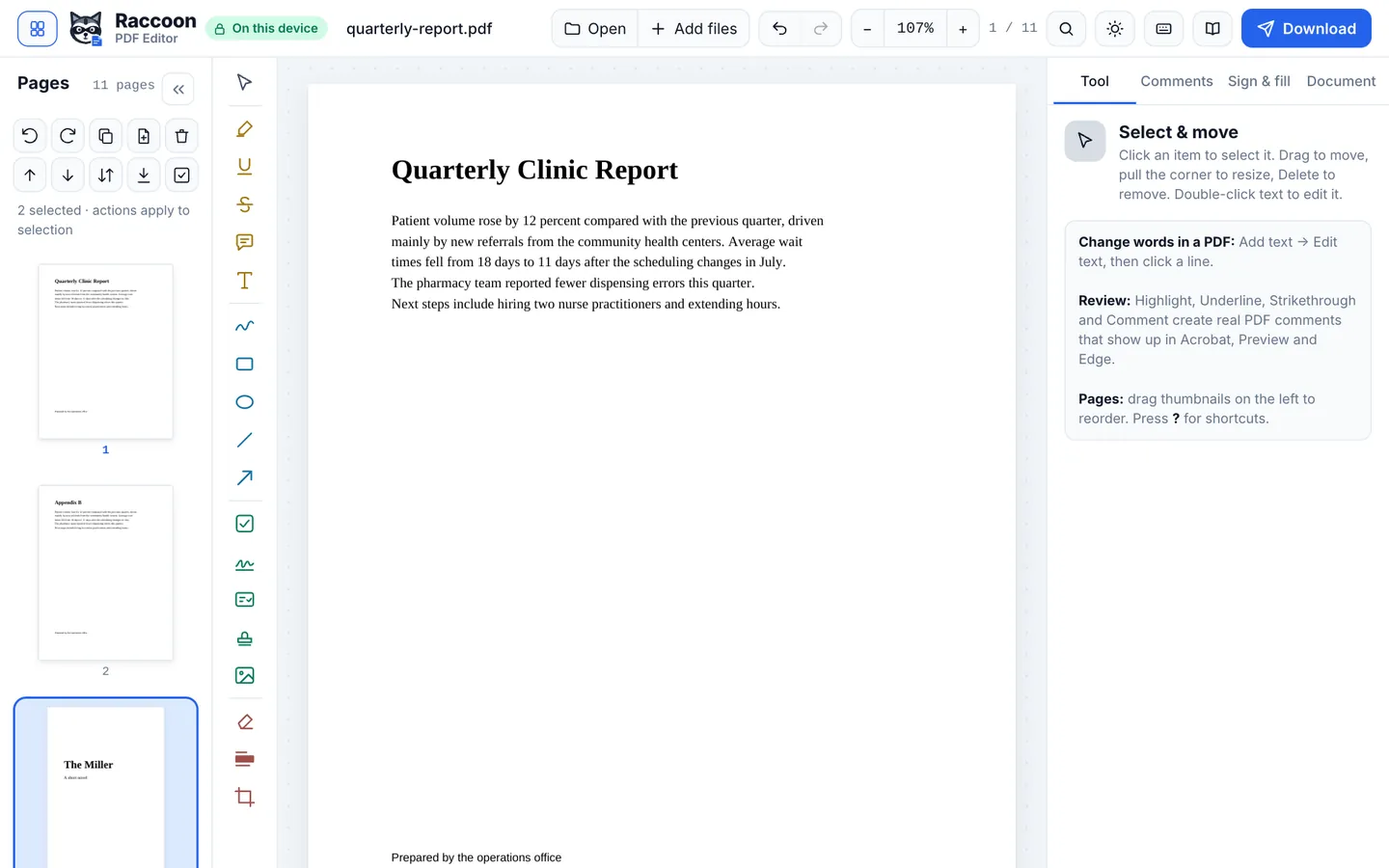
| Edit existing text | Yes, free | Paid |
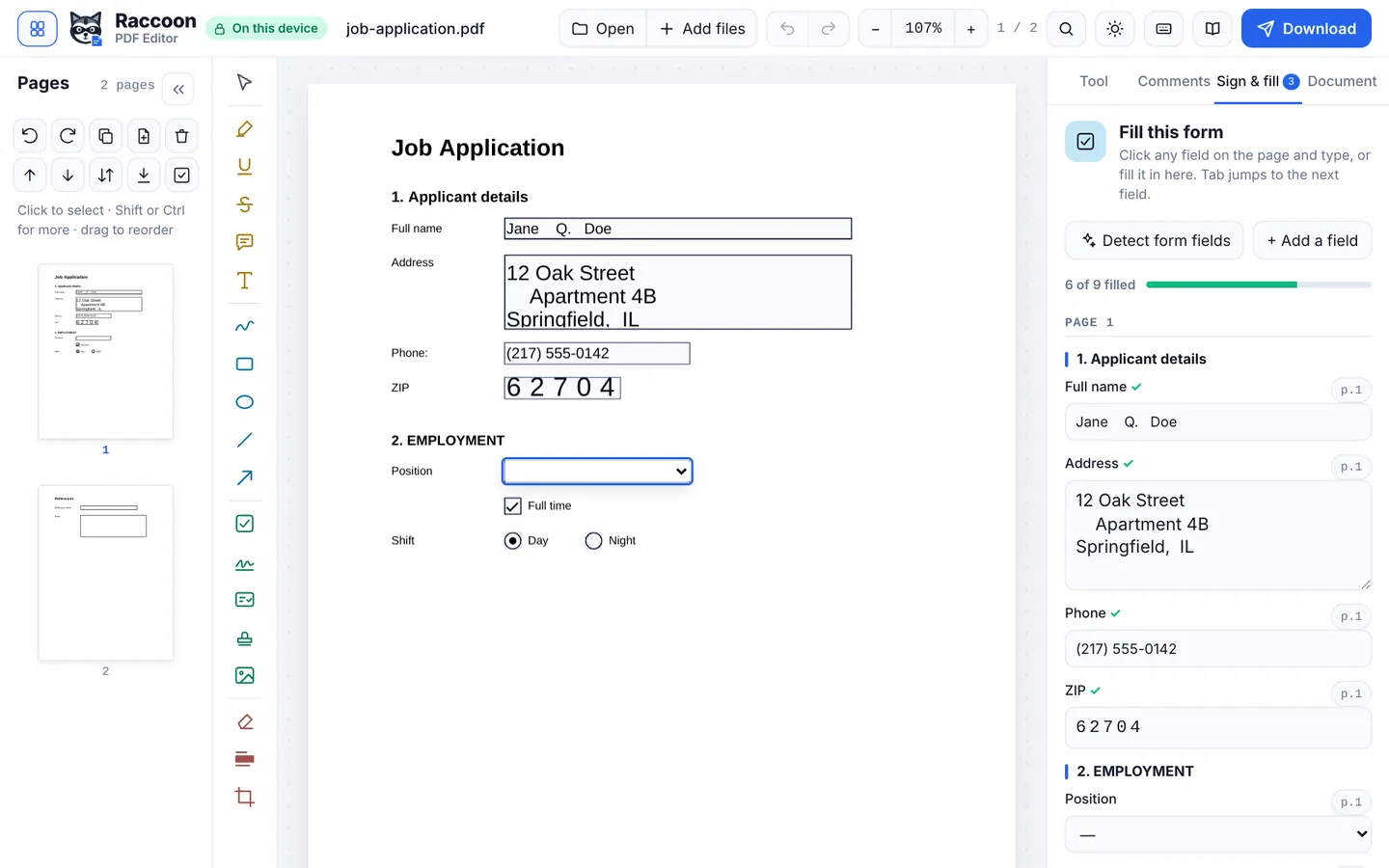
| Fill and sign | Yes, free | Free with an account |
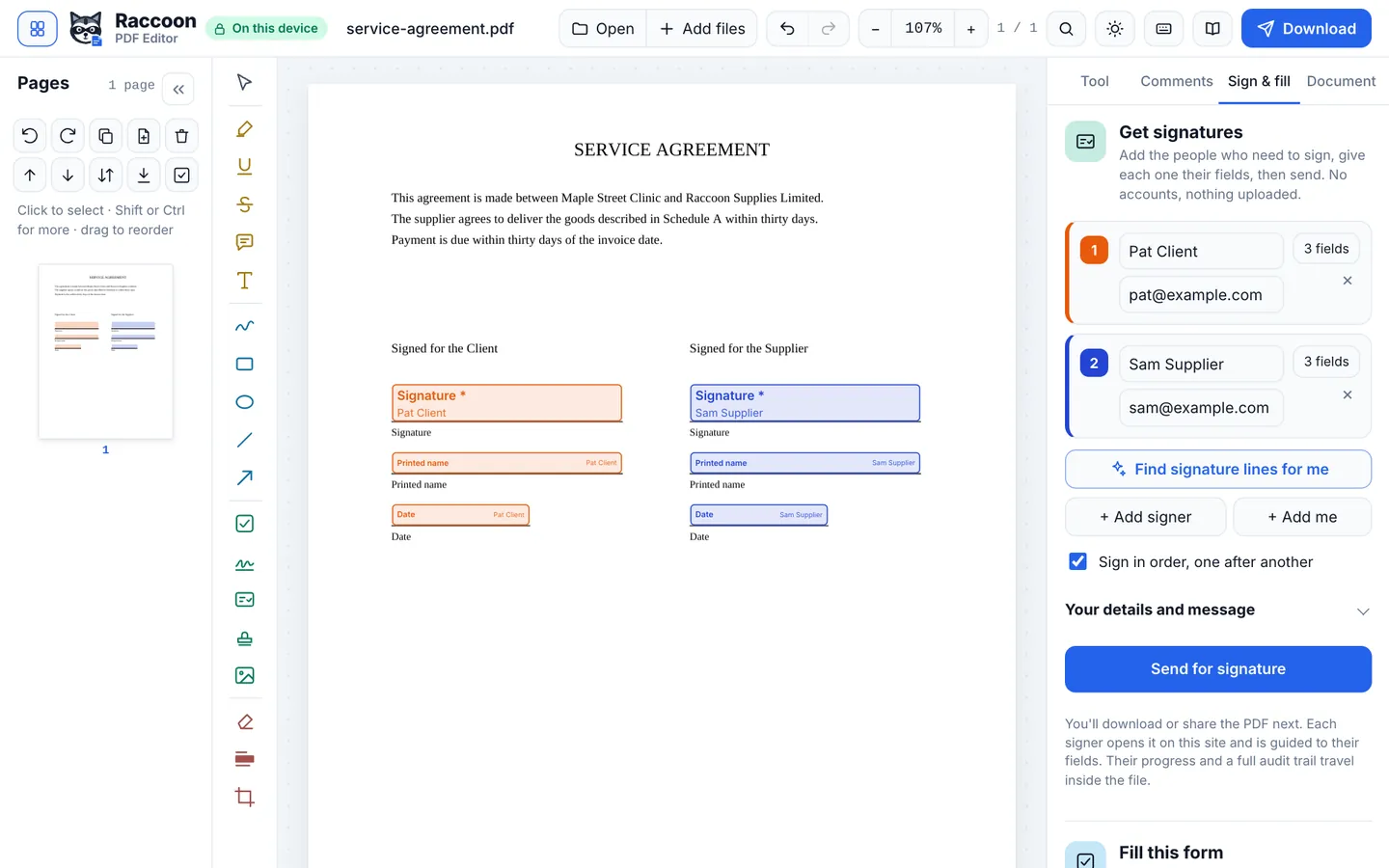
| Request signatures from others | Yes, free, with audit trail | Paid, with limits on free use |
| Advanced editing, Office conversion, accessibility tools | Basic | Yes, industry-leading |
| Desktop app | No (works in any browser) | Yes |
Based on Adobe Acrobat online's published plans and help pages, checked October 2026. Details can change; see sources below.
Which should you use?
Choose Raccoon if
- You need to edit, sign or compress a PDF now, without an account.
- You would rather your documents were not uploaded to a cloud service.
- You only need PDF tools occasionally and do not want a subscription.
Choose Adobe Acrobat online if
- You work with PDFs all day and need advanced editing or prepress tools.
- You need PDF accessibility checking, Bates numbering or Office conversion.
- Your organisation already pays for Adobe.
Why "nothing uploaded" matters
Most online PDF tools send your file to their servers, process it there and send it back. Even with encryption and automatic deletion, your document spends time on someone else's computer. Raccoon PDF Editor works differently: the editor runs inside your browser, so the PDF is opened, changed and saved on your own device. The site also tells your browser to block it from sending data anywhere else, so this is enforced by the browser, not just promised.
That makes Raccoon a good fit for IDs, contracts, medical forms, tax documents and anything else you would rather not upload.
Questions
Is Raccoon PDF Editor really free?
Yes. Every feature is free, with no account, no watermark and no daily limit.
Why are my files safer with Raccoon than with Adobe Acrobat online?
Raccoon opens, edits and saves your PDF inside your browser, so the file is never sent to a server. Adobe Acrobat online processes files on its own servers. Both use encrypted connections, but a file that is never uploaded cannot be exposed by a server breach or kept longer than you expect.
Is this comparison up to date?
We checked Adobe Acrobat online's published plans and help pages in October 2026. Plans change, so check their site for the latest details. Spotted something out of date? Email support@raccoonpdf.com.