Raccoon PDF›Guides
Get things done with PDFs
Short, practical guides for the jobs people do every day: filling in forms on a phone, signing without a printer, getting signatures from others, and keeping private documents private.
Forms
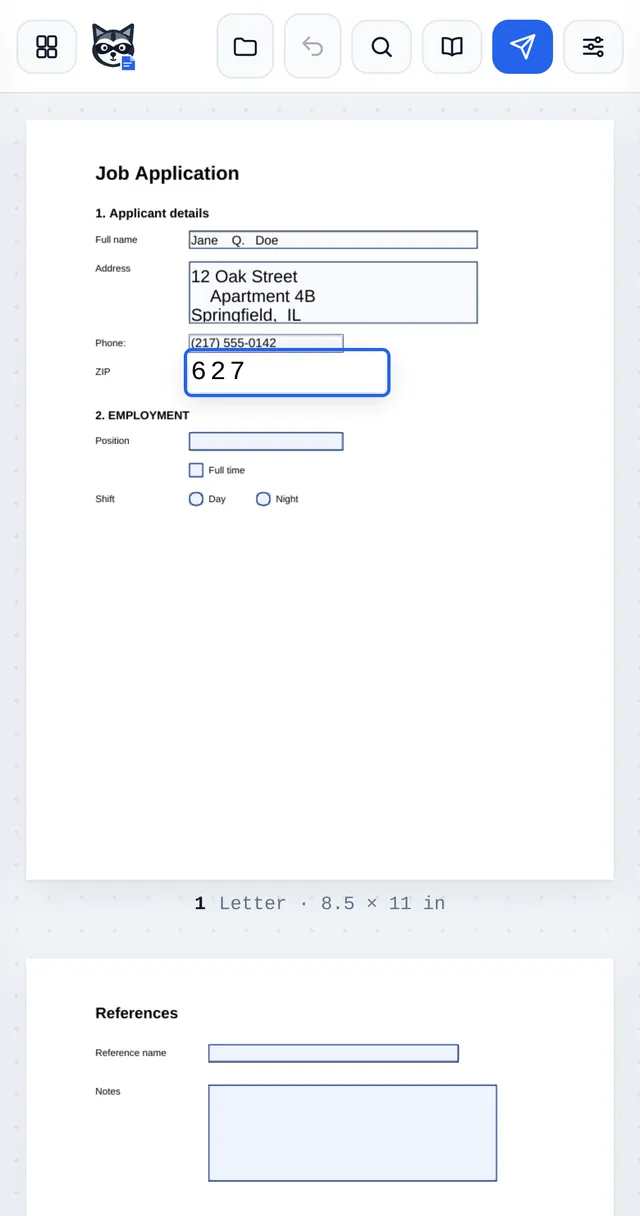
How to fill out a PDF form on iPhone
Fill out any PDF form on your iPhone or iPad in Safari: type into the fields, tick boxes, sign and save. Free, no app to install and nothing uploaded.
How to fill out a PDF form on Android
Fill out PDF forms on any Android phone or tablet in Chrome: type in fields, tick boxes, sign and download. Free, no app and no upload.
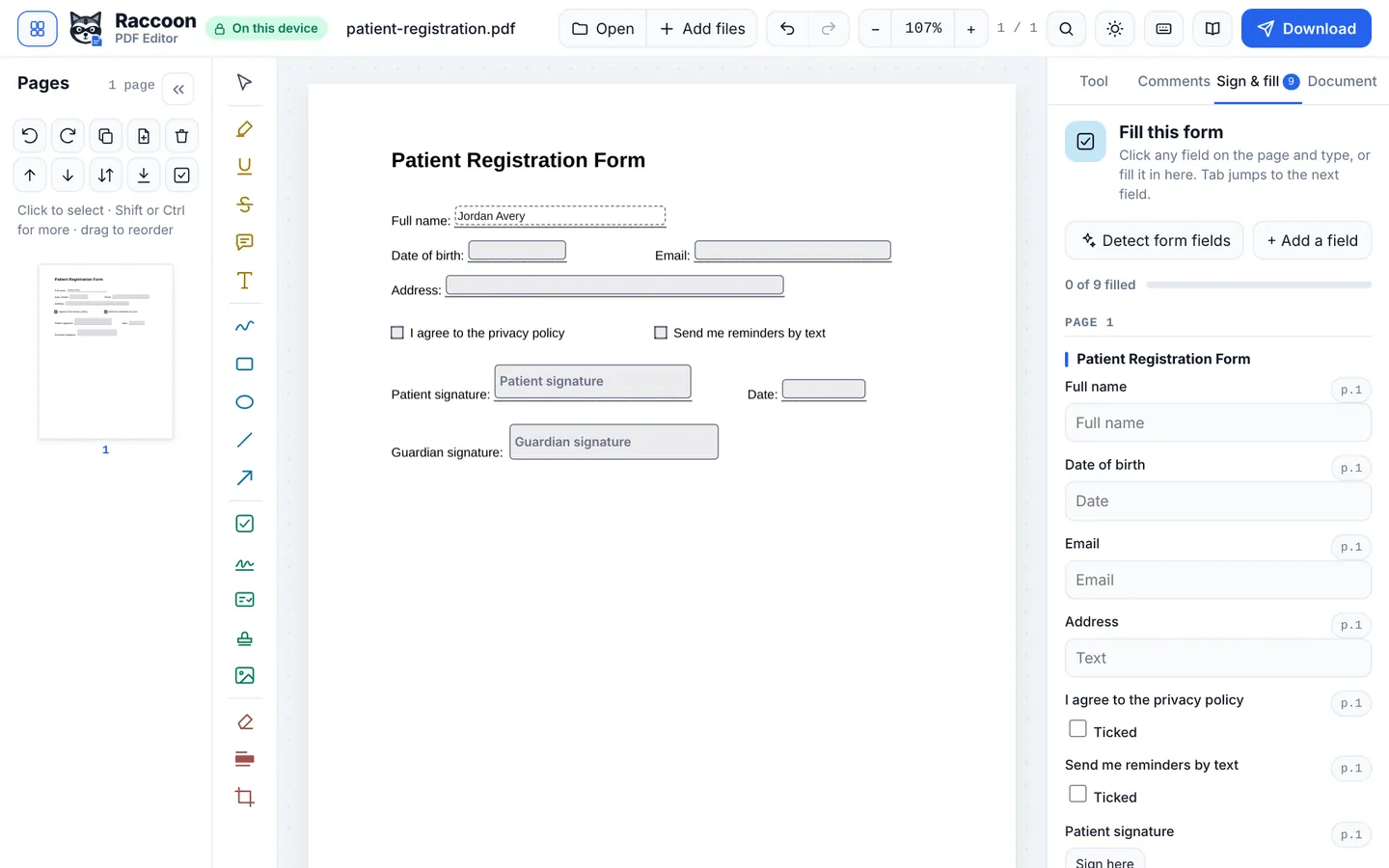
How to make a fillable PDF form
Turn any PDF into a fillable form: detect blanks automatically or add text boxes, checkboxes, dropdowns and signature fields by hand. Free, no Acrobat needed.
Signatures
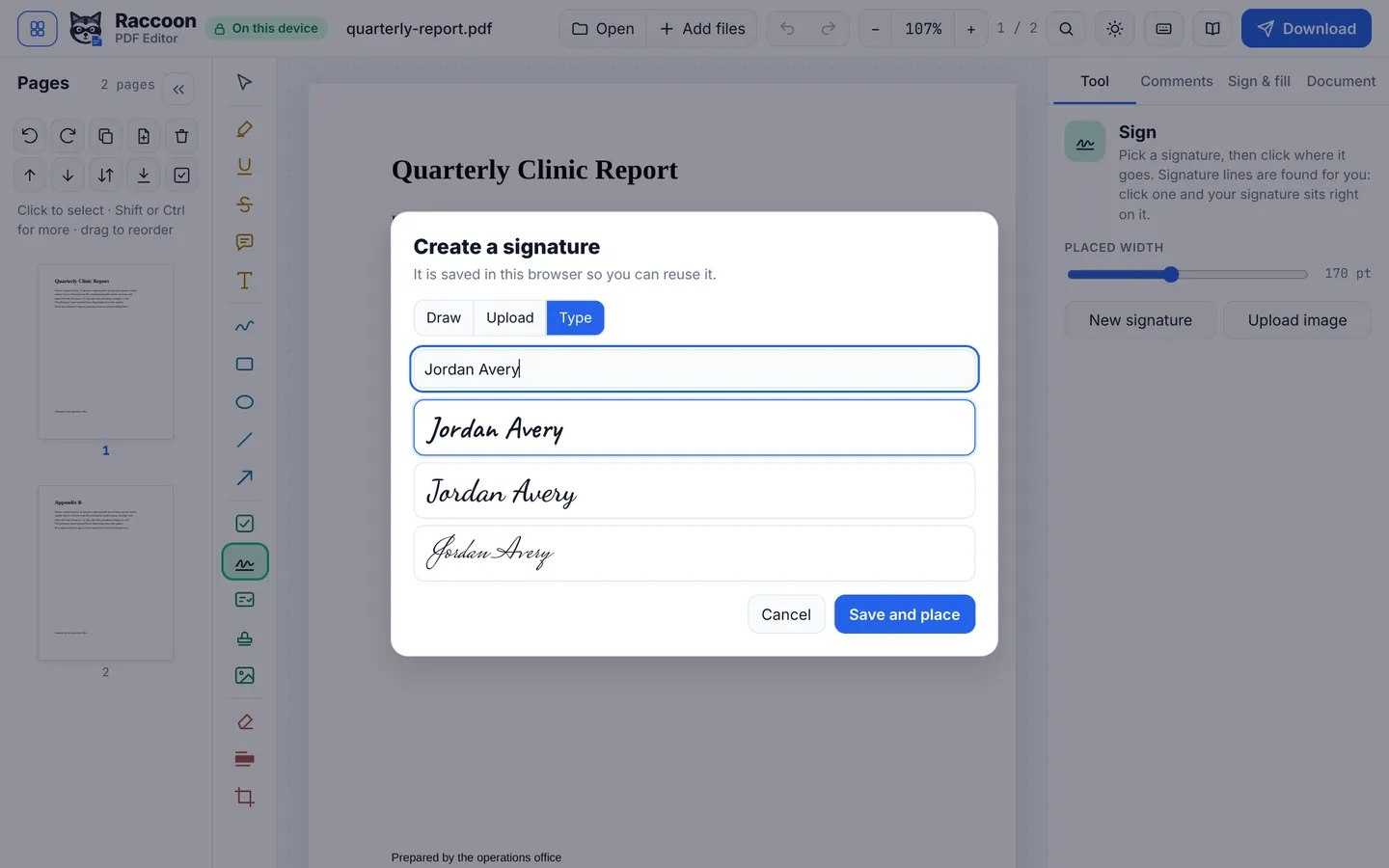
How to sign a PDF without printing it
Sign a PDF electronically without printing or scanning: draw, type or upload your signature, place it, and download. Free, private and works on any device.
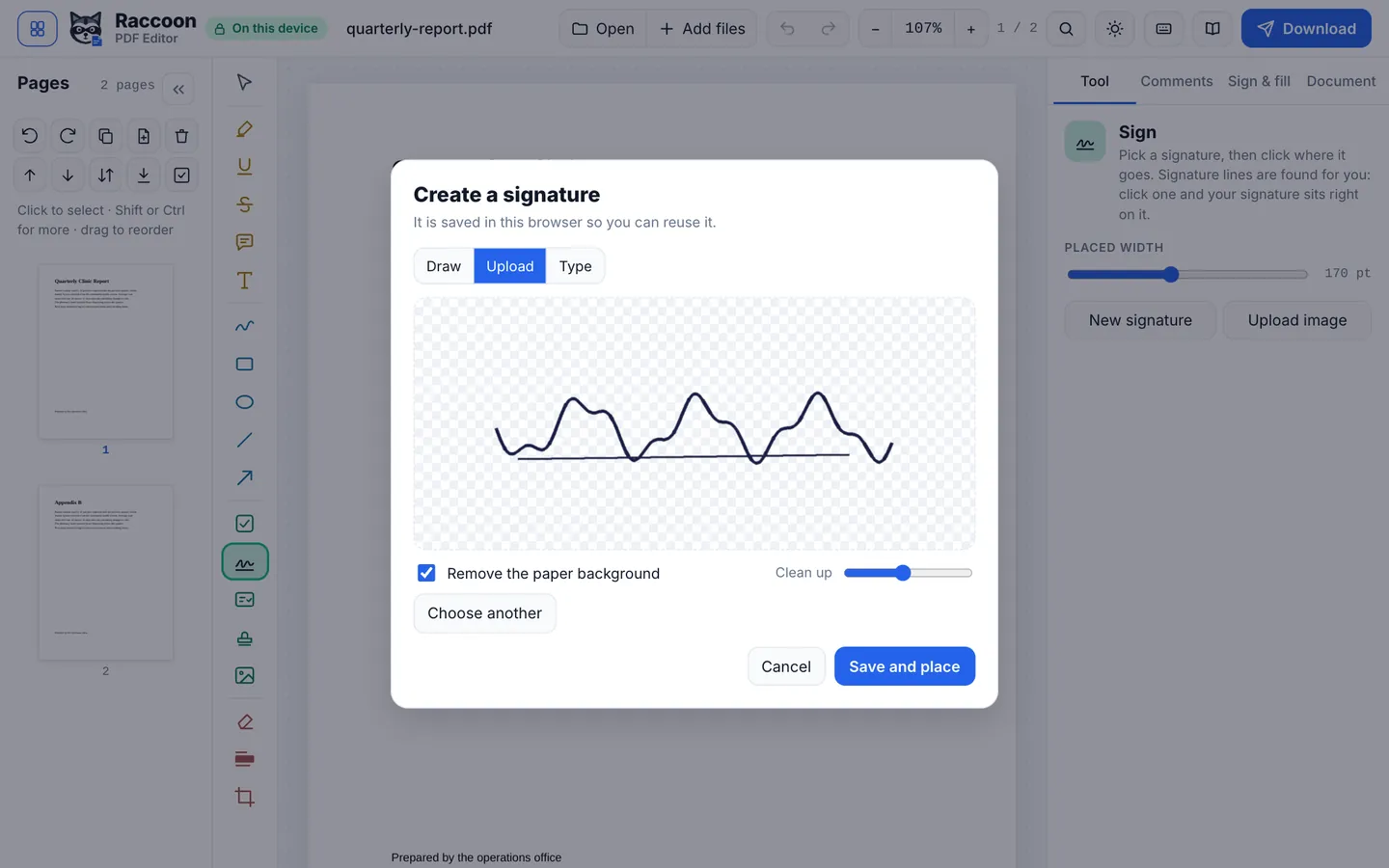
How to add a signature image to a PDF
Turn a photo of your handwritten signature into a clean, transparent signature and add it to any PDF. Background removed automatically. Free, nothing uploaded.
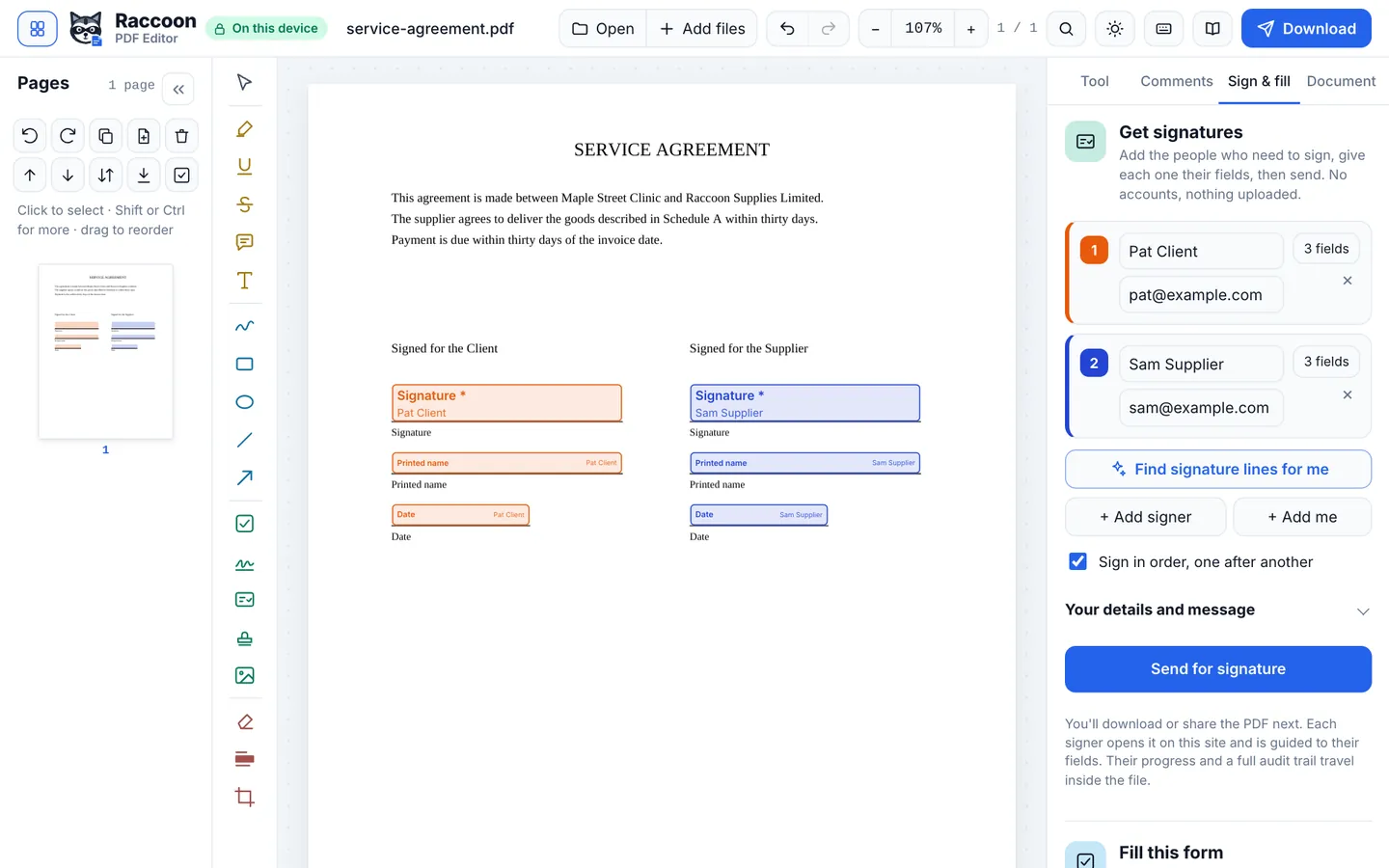
How to get a PDF signed by multiple people
Send one PDF to several signers, in order or all at once, with guided signing, an audit trail and a certificate of completion. Free DocuSign alternative, no accounts.
Pages
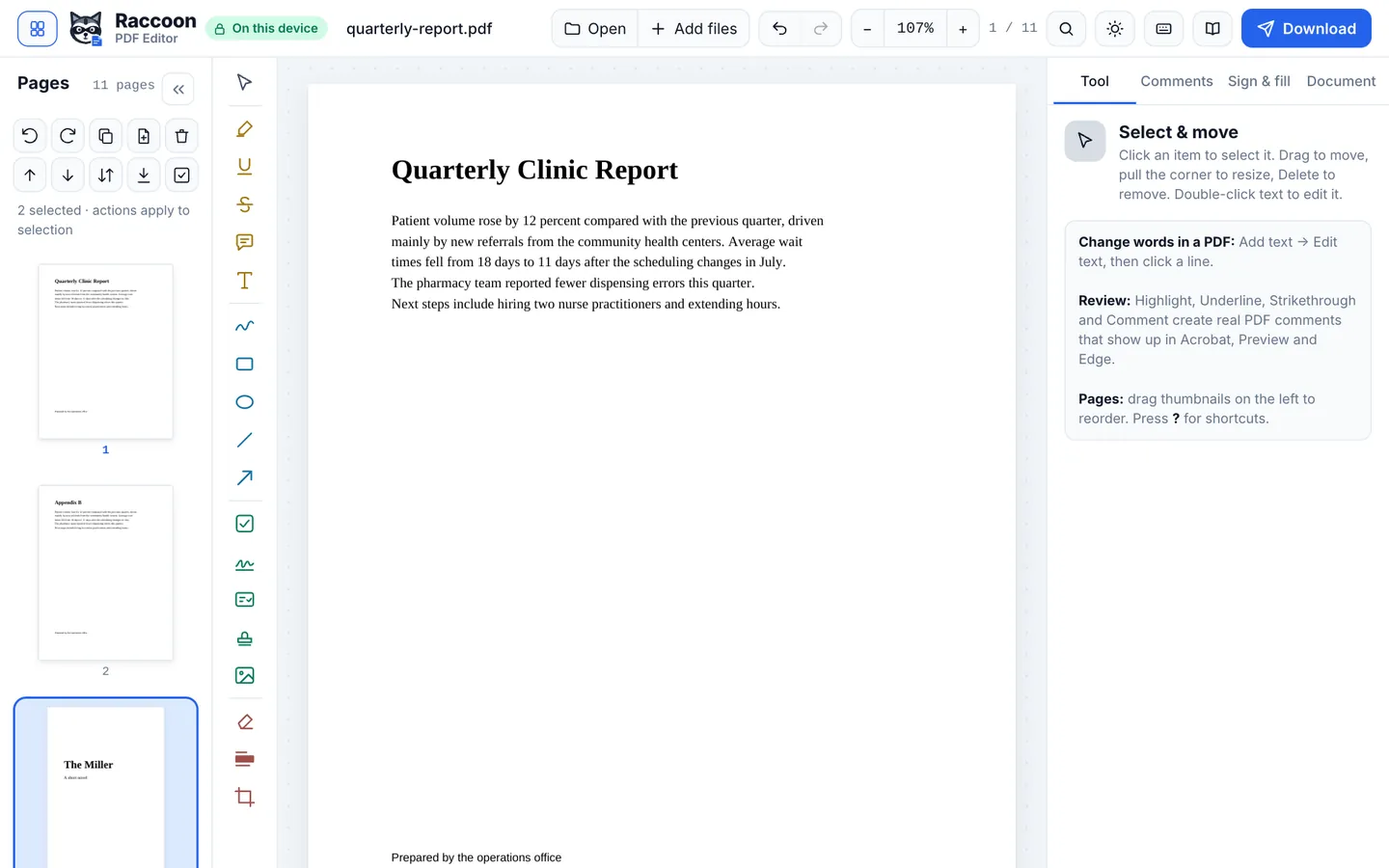
How to combine PDF files into one
Merge PDFs and images into one PDF and put the pages in any order. Drag to reorder, rotate or delete pages, then download. Free, no limits, nothing uploaded.
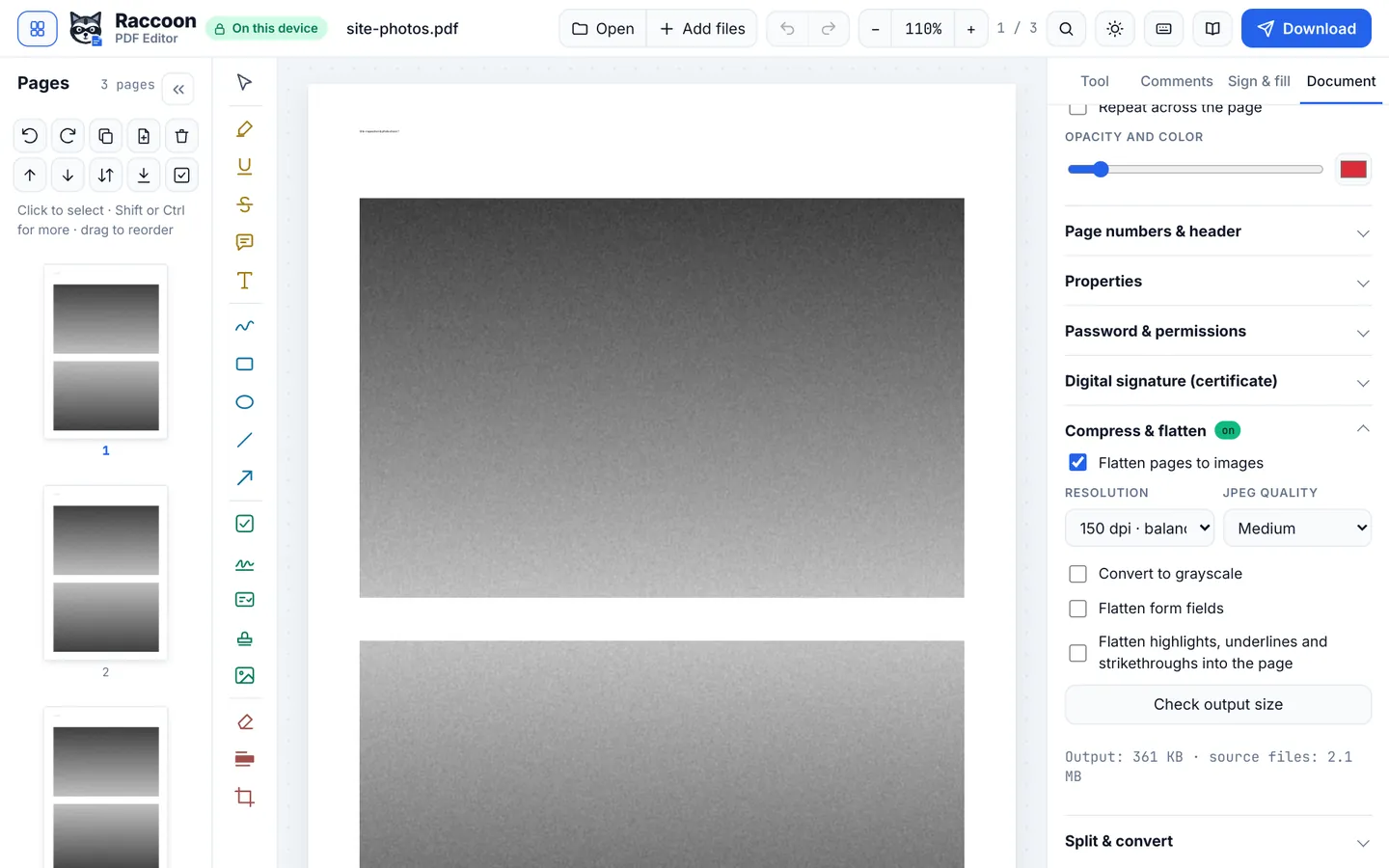
How to reduce a PDF's file size
Make a PDF small enough to email or upload: choose a resolution, preview the new size and download. Free compressor that runs on your device.
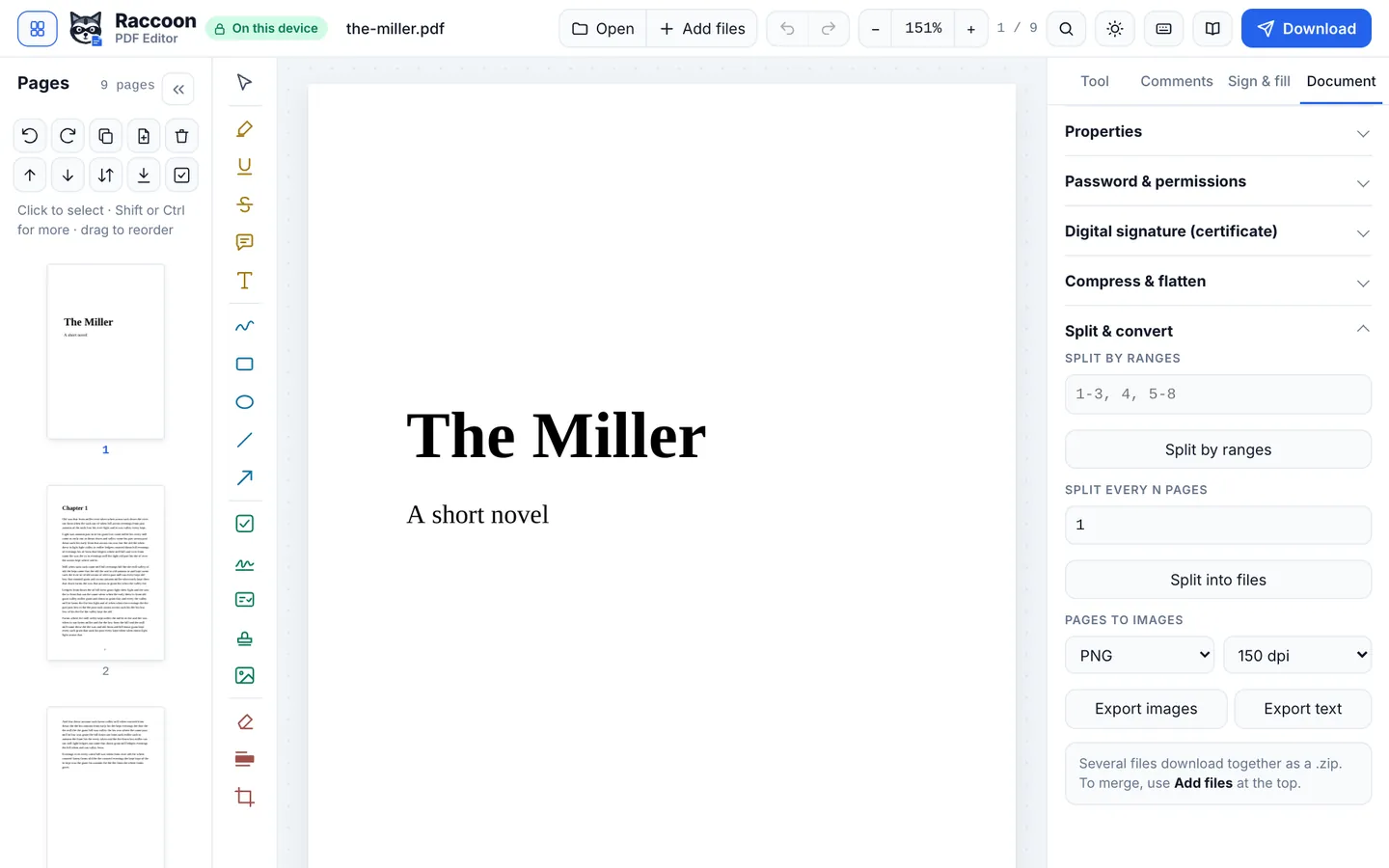
How to convert a PDF to JPG images
Save every page of a PDF as a high-quality JPG or PNG image, at 96, 150 or 300 dpi. Downloads as a ZIP. Free and private.
Privacy
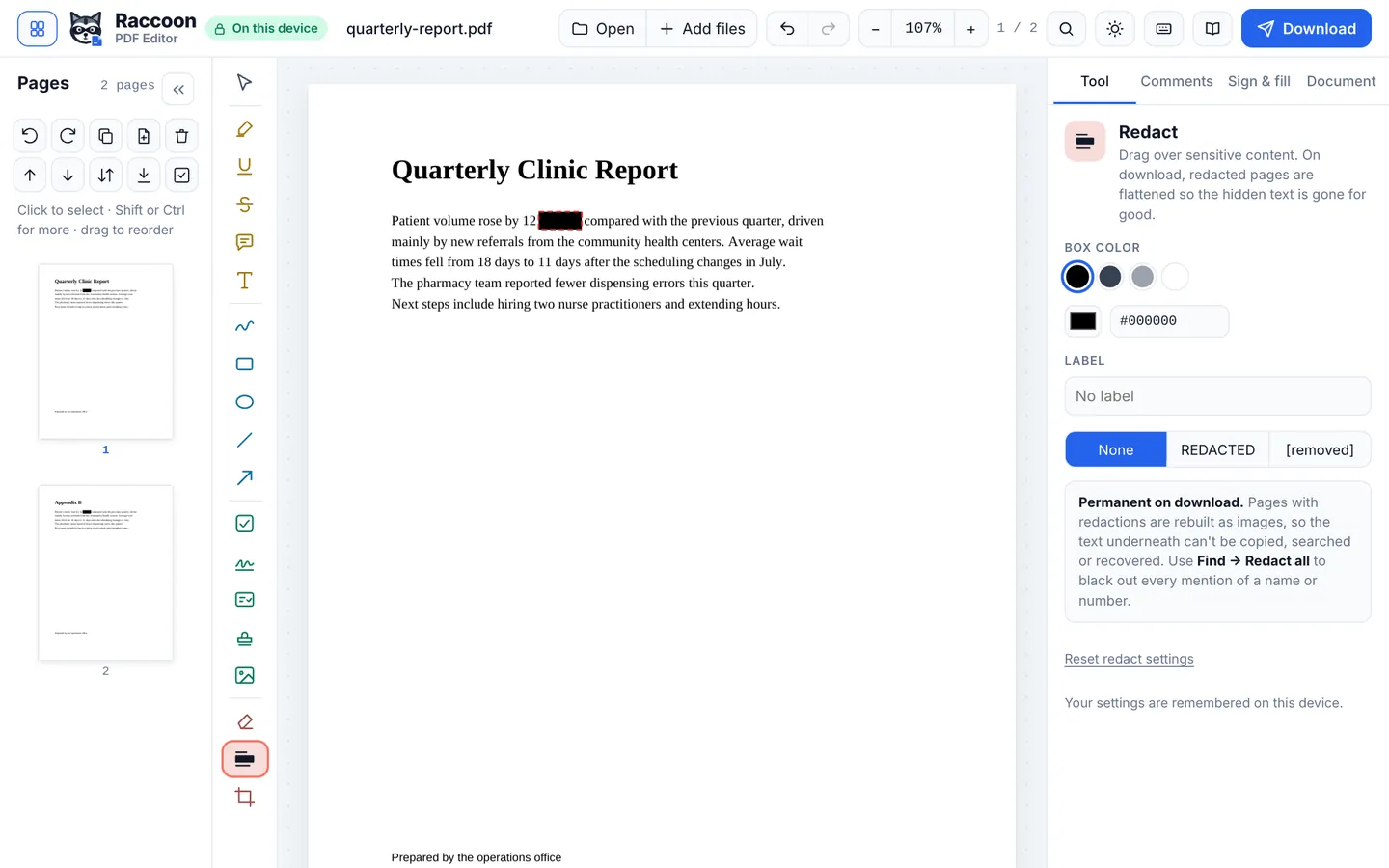
How to black out text in a PDF properly
Permanently remove text, numbers and images from a PDF, not just cover them. Redact by drawing or by searching. Free, private and runs in your browser.
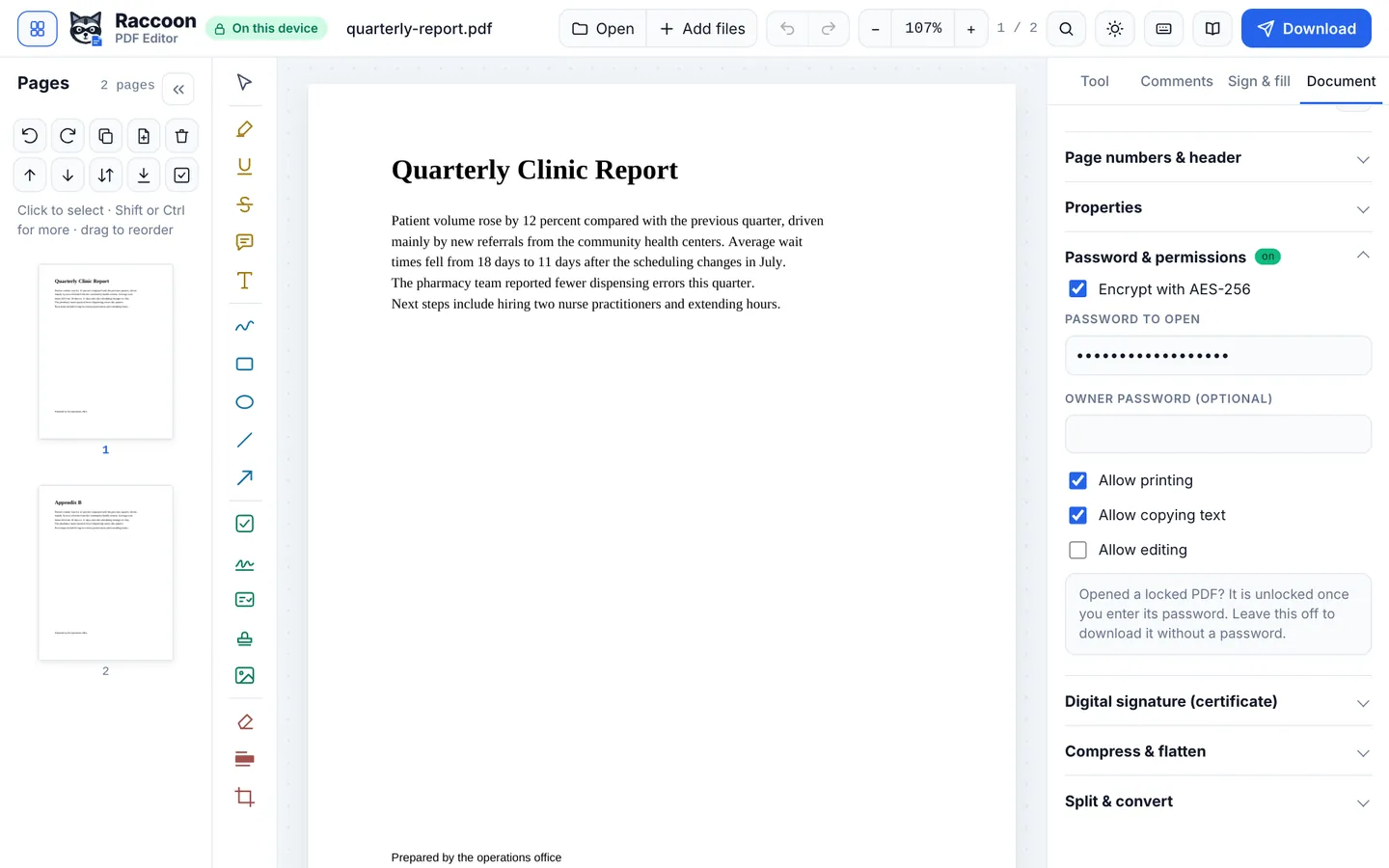
How to password protect a PDF
Encrypt a PDF with AES-256 and a password to open it, and choose whether people can print, copy or edit. Free, offline-capable, nothing uploaded.
Editing
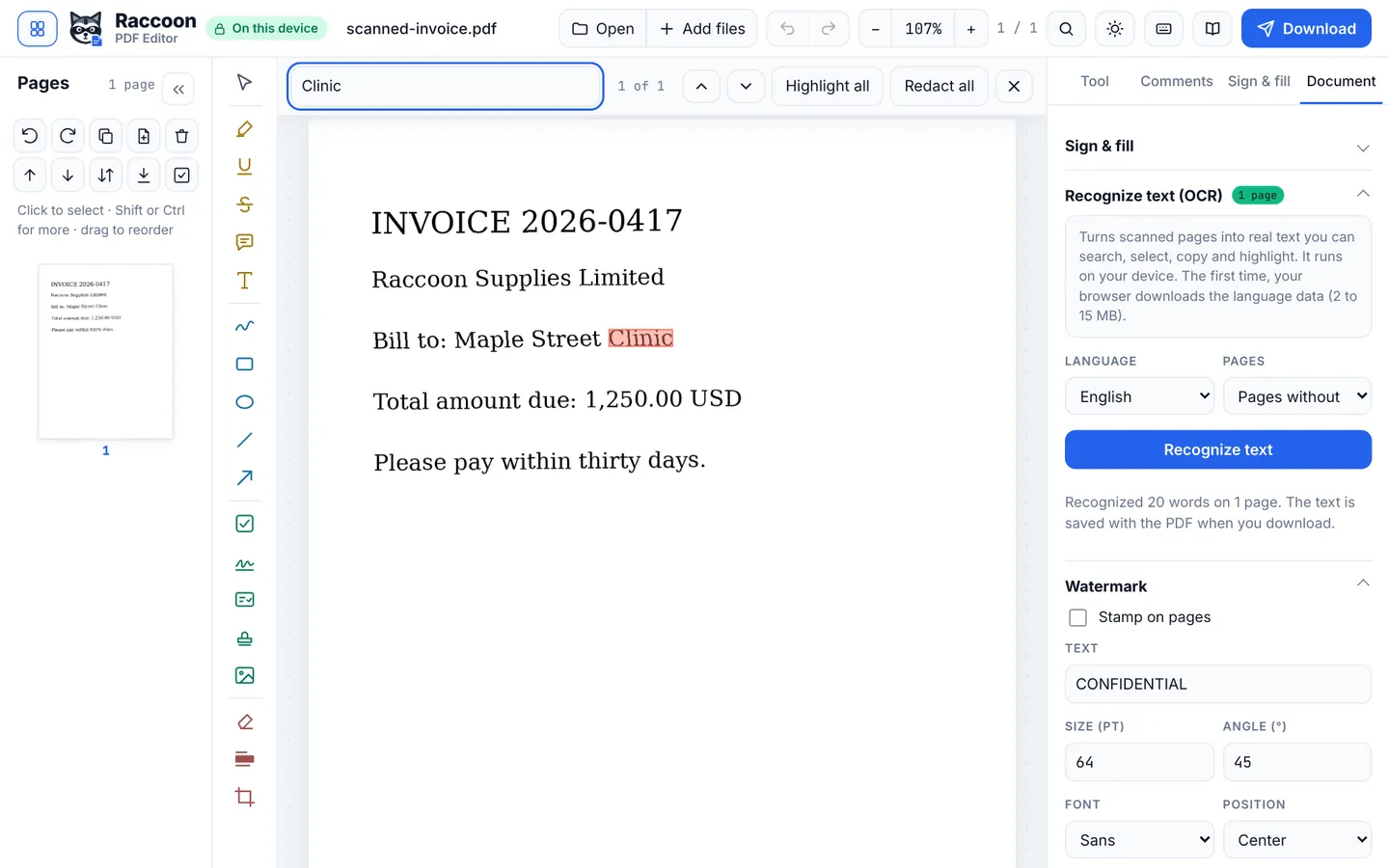
How to edit a scanned PDF
Turn a scanned PDF into searchable, selectable text with OCR, then edit, highlight or redact it. Free OCR in 13 languages that runs on your device.
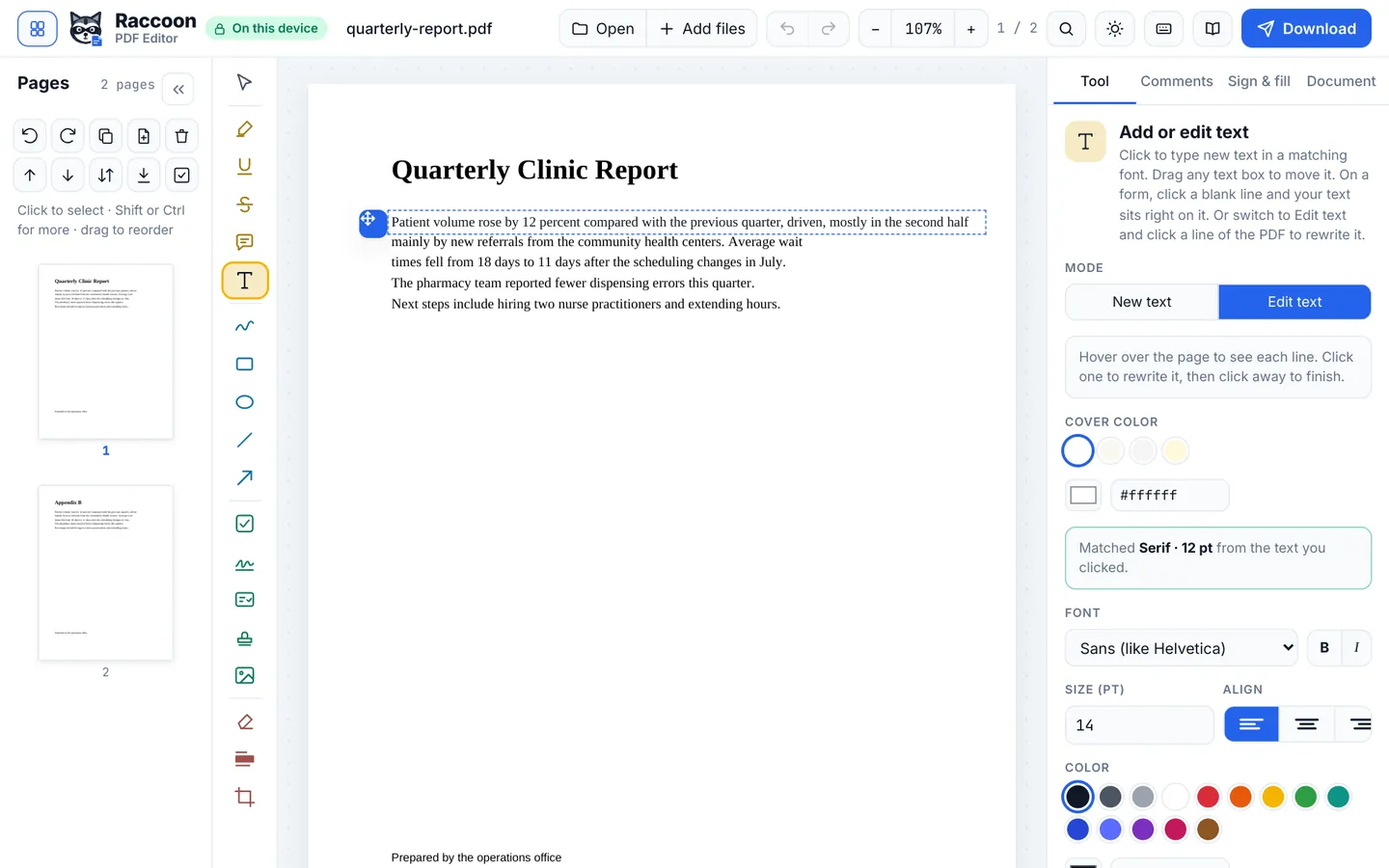
How to edit text in a PDF for free
Change existing words in a PDF, fix typos and add new text in a matching font. Free PDF text editor in your browser with no watermark and no upload.
Reading

Everything in one free editor
Fill, sign, edit, merge, compress and read. Nothing is uploaded.