Before you start
Printing a document only to sign it and scan it again wastes paper and usually produces a crooked, grey copy. An electronic signature added to the PDF is cleaner and is accepted for most everyday paperwork, such as leases, consent forms, offer letters and invoices.
With Raccoon you can draw your signature, type it in a handwriting font, or use a photo of the one you sign on paper. It is saved in your browser so next time it is one tap.
Step by step
- Open the PDFGo to raccoonpdf.com/sign-pdf and choose the document. It opens on your device; nothing is uploaded.
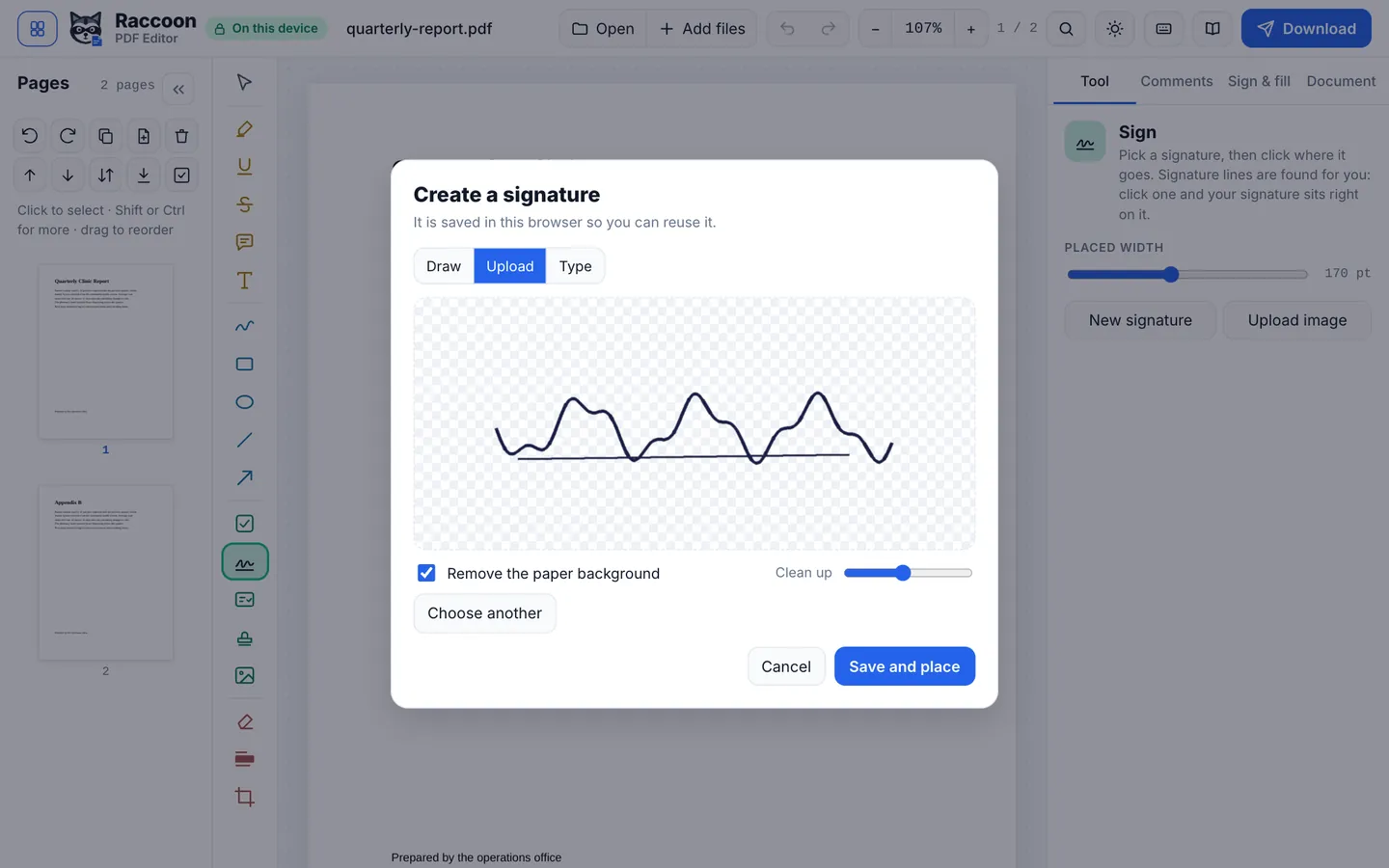
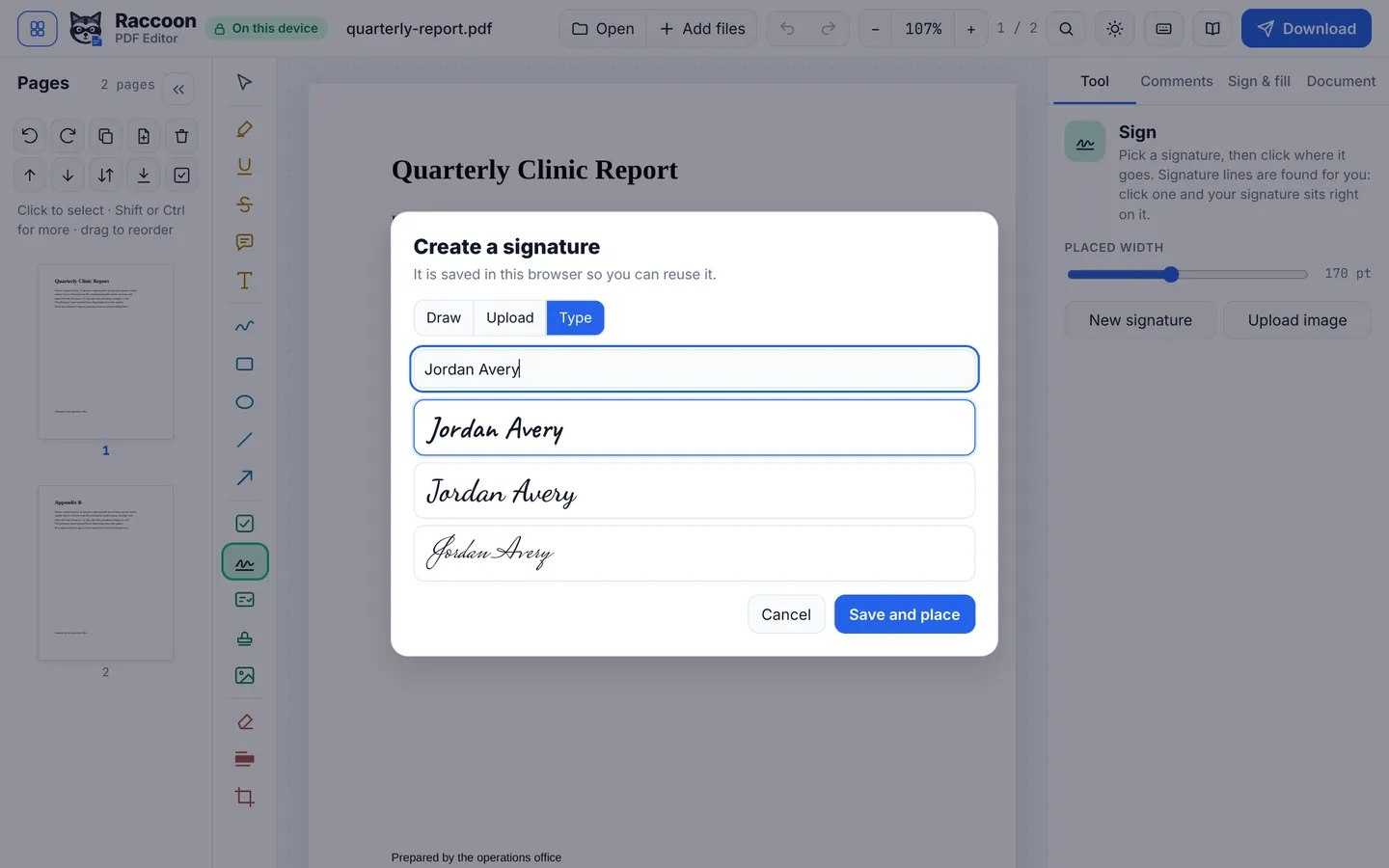
- Create your signatureChoose Draw to sign with your mouse, trackpad or finger, Type to pick a handwriting style, or Upload to use a photo of your signature on white paper. The paper background is removed for you.
- Place itClick or tap where the signature goes. Raccoon spots signature lines and snaps to them. Drag to move it and pull the corner to resize.
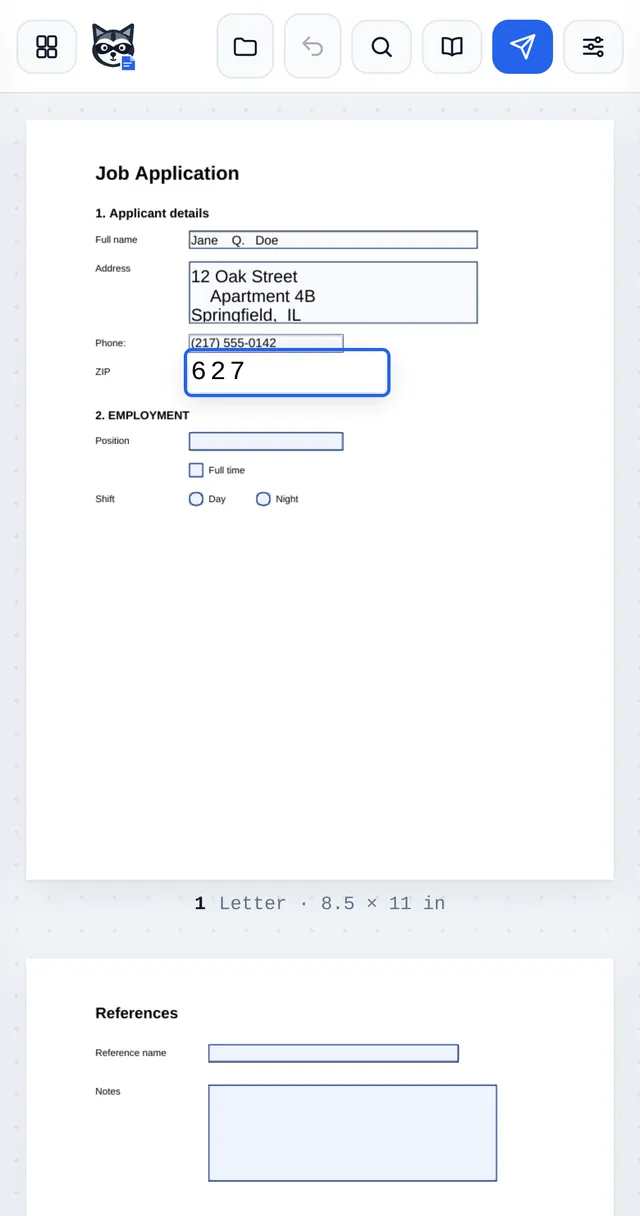
- Add the date and your nameUse Check & fill to stamp today's date, or Add or edit text to type your printed name or initials.
- Download and sendPress Download. Attach the signed PDF to your reply, or upload it where it was requested.
Good to know
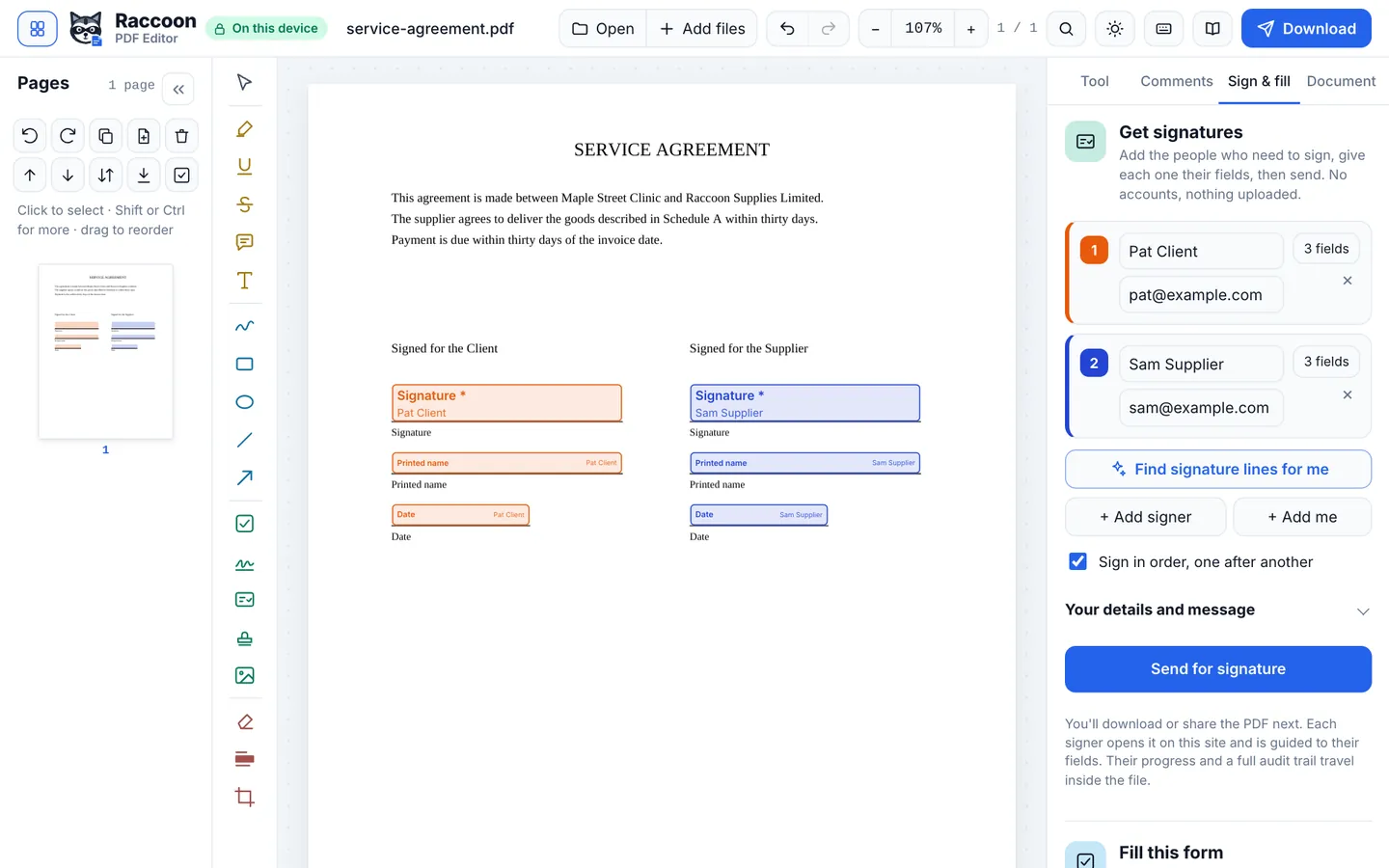
- Signing for several people? Use Request signatures instead. Each person is guided to their own fields, and you get a certificate of completion.
- Need a signature that proves the document has not changed? Turn on a certificate-based digital signature in Document › Digital signature.
- Your saved signatures stay only in this browser. Erase them any time from the home page.
Questions
Is an electronic signature legal?
In the US, the ESIGN Act and UETA generally give electronic signatures the same effect as handwritten ones for most business and personal documents, and the EU has similar rules under eIDAS. Some documents, such as certain wills or court papers, have special rules, so check if you are unsure.
Can I use a picture of my real signature?
Yes. Choose Upload, take a photo of your signature on white paper, and Raccoon removes the background so only the ink is placed.
Do I need an account?
No. There is no sign-up and no limit on how many documents you sign.