Before you start
Most PDF forms arrive by email or as a download from a website: a school permission slip, a job application, a rental form, a medical questionnaire. Opening them in Mail or Files lets you read them, but typing into the boxes is often fiddly or impossible.
Raccoon PDF Editor runs in Safari, so there is nothing to install and no account to make. It finds the fields in your form, lets you tap and type, and saves a finished copy back to your Files app.
Step by step
- Save the form to FilesIf the PDF came by email, tap the attachment, then the Share button and choose Save to Files. If it is on a website, tap the download link: Safari puts it in Files › Downloads.
- Open Raccoon in SafariGo to raccoonpdf.com/fill-pdf-form and tap Choose a PDF. Pick the form from Files. It opens in a second or two, right on your phone.
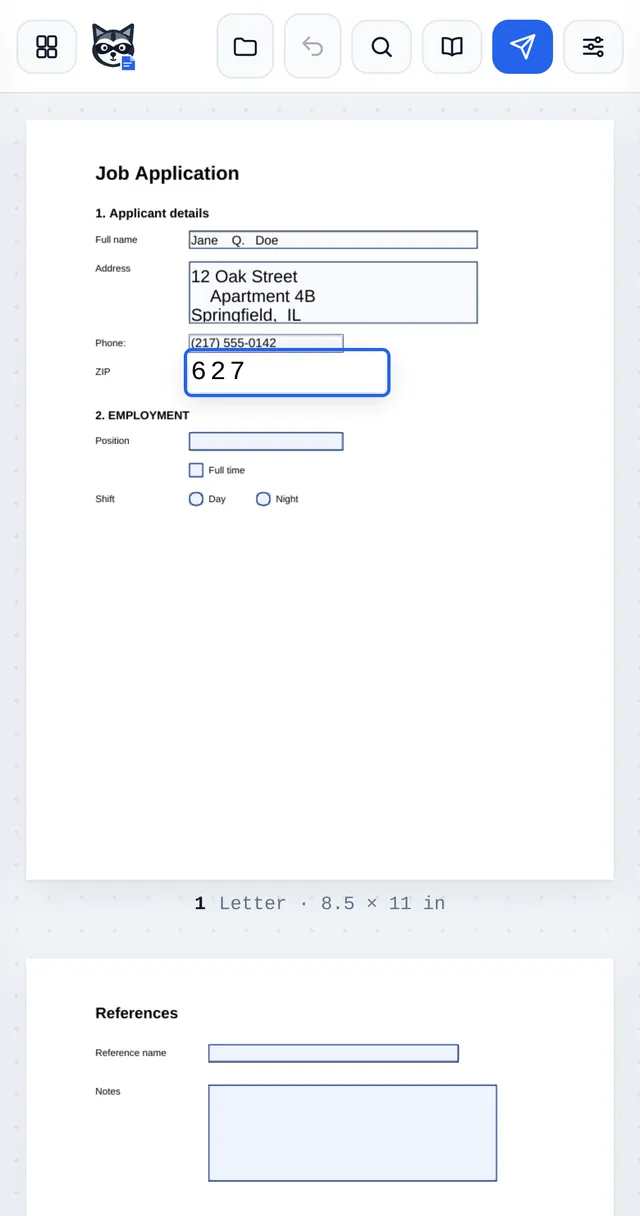
- Tap a field and typeFields are lightly highlighted on the page. Tap one, type, then press return to jump to the next field. Tick boxes and round buttons change with a single tap, and drop-down lists open the iPhone picker.
- Use the list if the page is smallTap the options button at the top right and open Sign & fill. Every field is listed by page and section, so you can fill the form like a normal web form, then tap a page tag to check it on the page.
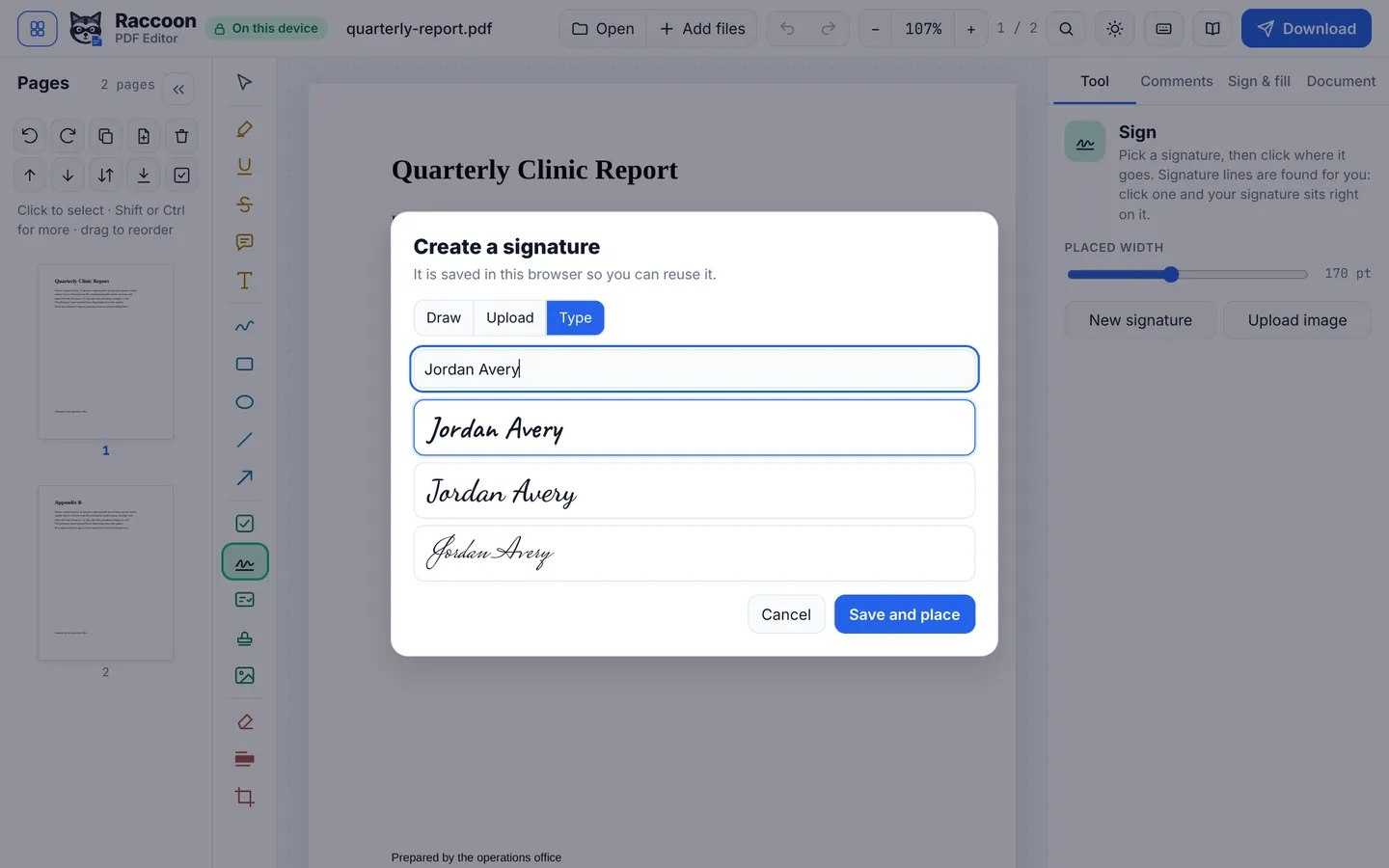
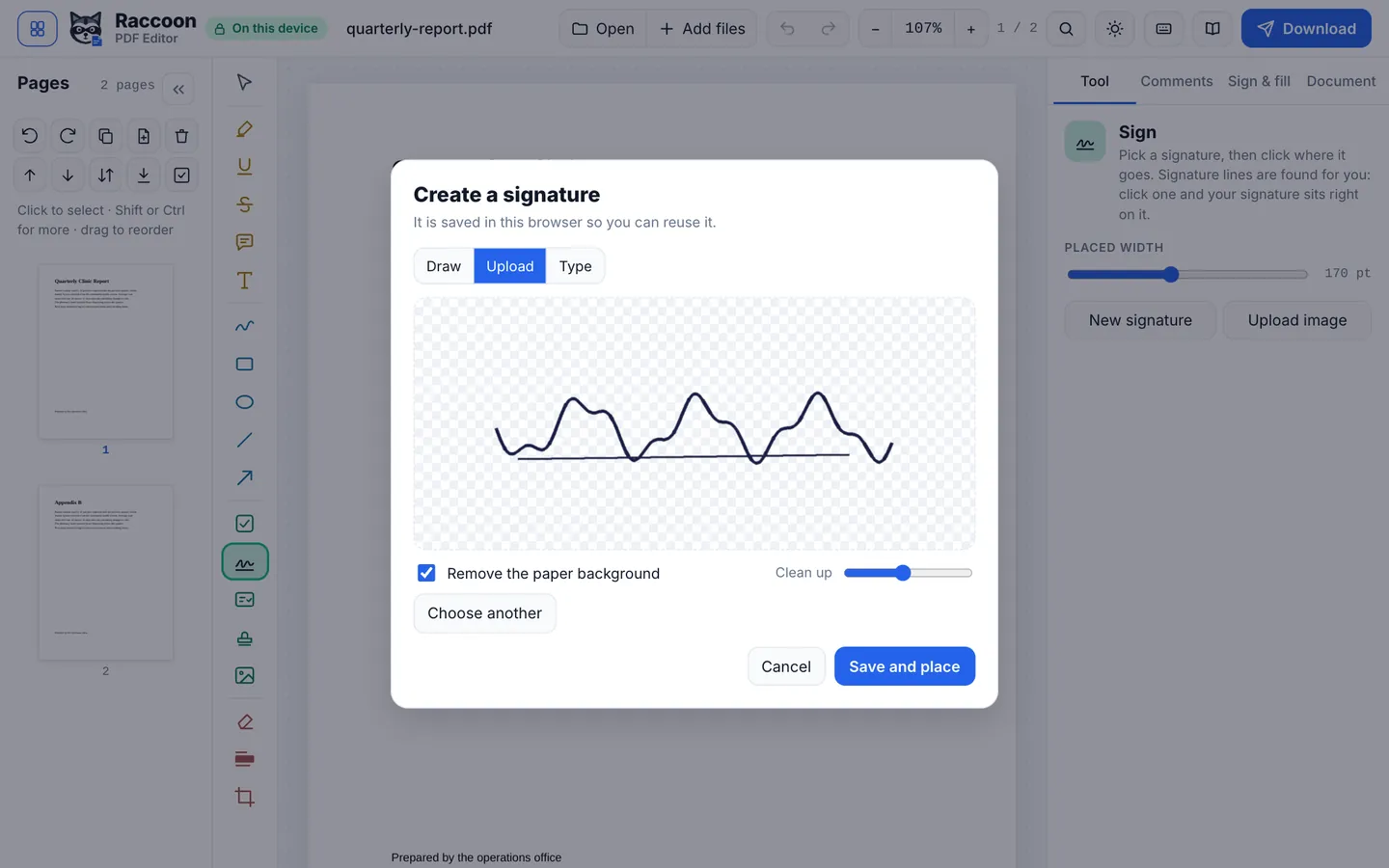
- Sign itIf the form needs a signature, choose Sign from the toolbar at the bottom. Draw with your finger, type your name in a handwriting style, or use a photo of your signature on paper. Tap the page where it goes.
- Download the finished formTap Download. Safari asks to download the file and saves it to Files › Downloads, ready to attach to an email or upload to a website.
Good to know
- Flat PDFs (scans or forms without real fields) work too: open Sign & fill and tap Detect form fields. Raccoon finds the blank lines and boxes and turns them into fields.
- Turn your phone sideways for a wider page, and pinch to zoom on small print.
- If a website asks for a form that cannot be changed later, turn on Flatten form fields in Document before you download.
Questions
Do I need to install an app?
No. Raccoon works in Safari, Chrome or any modern browser on iPhone and iPad. There is nothing to install and no sign-up.
Is my form uploaded anywhere?
No. The form is opened and filled inside Safari on your phone. It is never sent to a server, which matters for forms with your address, date of birth or medical details.
Where does the filled form go?
When you tap Download, Safari saves it to the Downloads folder in the Files app. From there you can attach it to an email, upload it, or share it to another app.
Can I fill a form that came as a photo or scan?
Yes. Use Detect form fields to add fields to the blanks, or use Add or edit text to type anywhere on the page.