Before you start
Some upload forms only take images, and slide decks and chat apps show pictures better than PDFs. Raccoon exports every page as an image at the resolution you choose.
Step by step
- Open the PDFGo to raccoonpdf.com/pdf-to-jpg and choose the file.
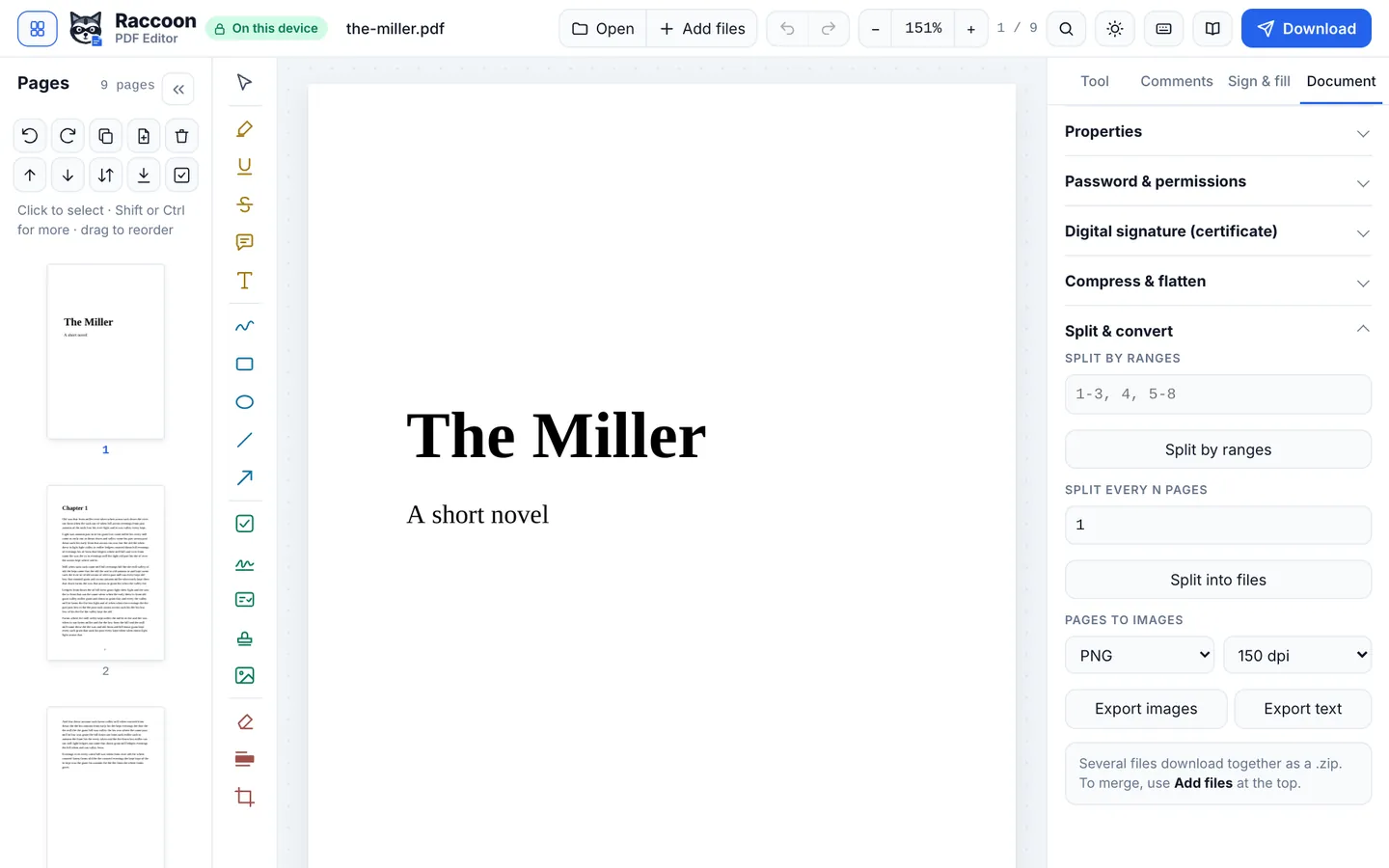
- Choose format and qualityIn Document › Split & convert, pick JPG or PNG and a resolution: 96 dpi for screens, 150 dpi for general use, 300 dpi for print.
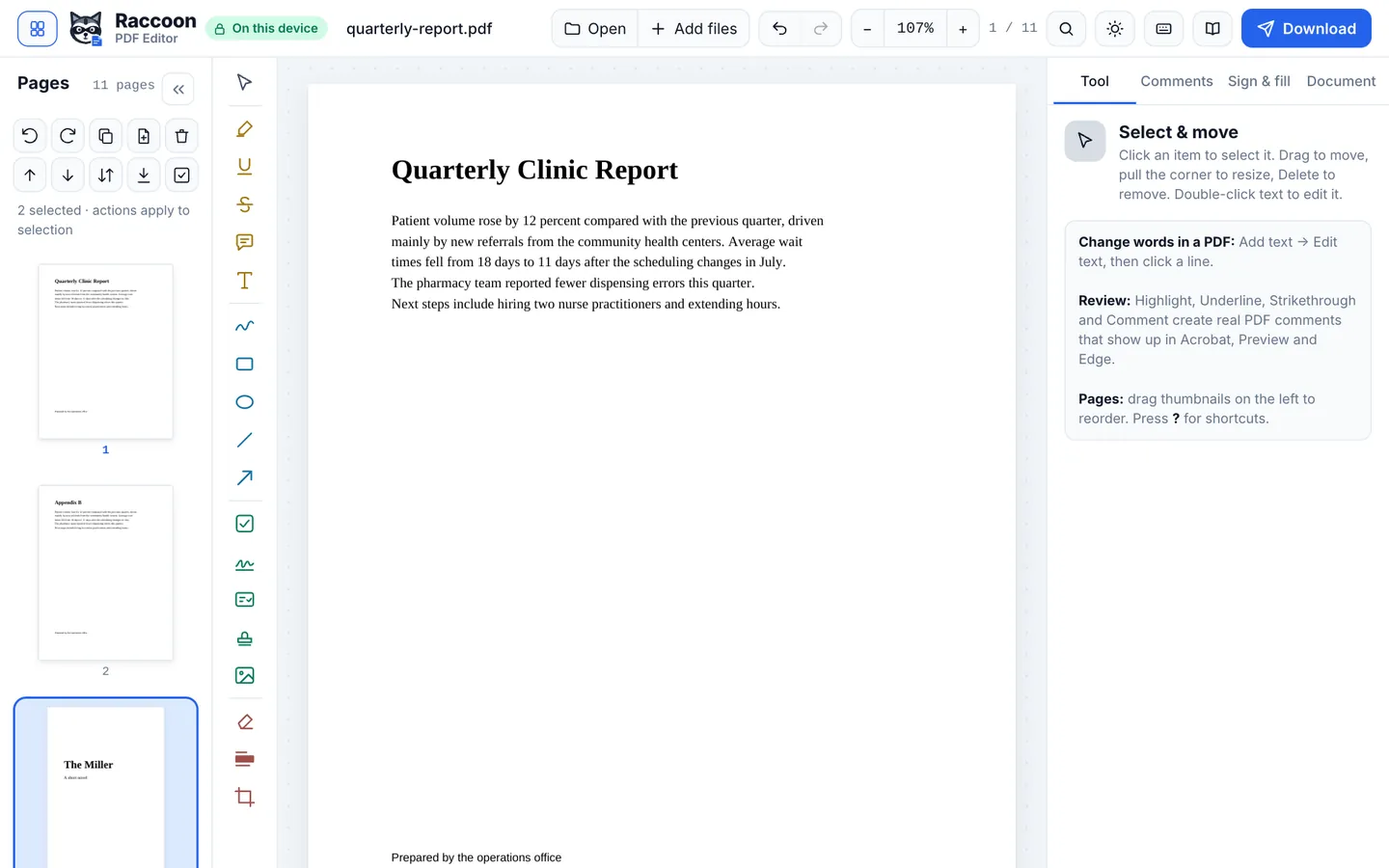
- Pick the pagesSelect pages in the Pages panel to export only those, or leave nothing selected for all.
- ExportPress Export images. One page downloads as an image; several download together as a ZIP.
Good to know
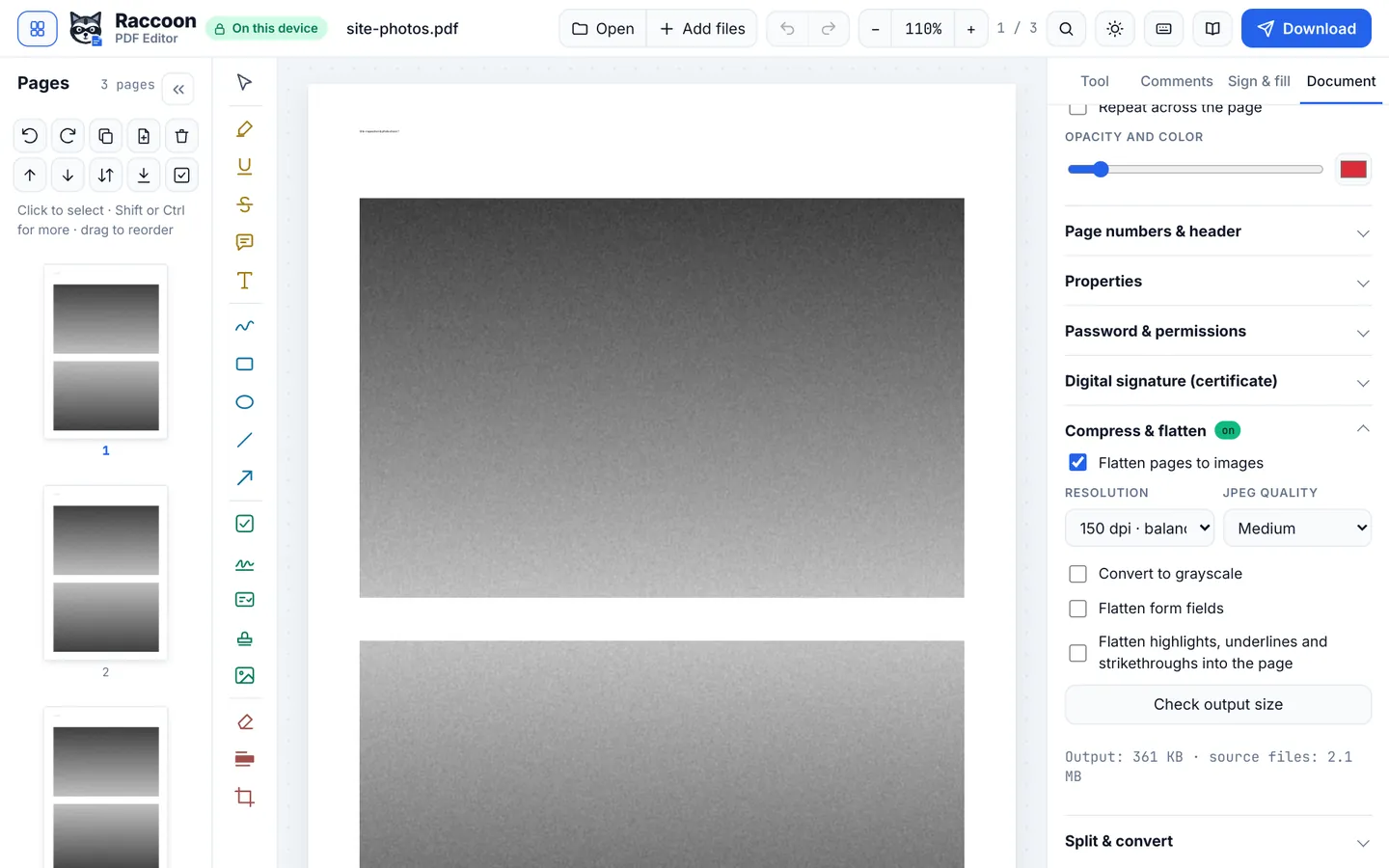
- PNG is best for text and diagrams; JPG is smaller for photos.
- To go the other way, open images in Raccoon: each becomes a page of one PDF.
Questions
What resolution should I choose?
150 dpi suits most uses. Choose 300 dpi for printing or zooming in.
Can I convert just one page?
Yes. Select that page first.
Is it private?
Yes. Images are made in your browser.