Before you start
Email services often cap attachments at 20 to 25 MB, and job and government portals can be as strict as 2 to 5 MB. Scanned documents and photos are usually what makes a PDF big.
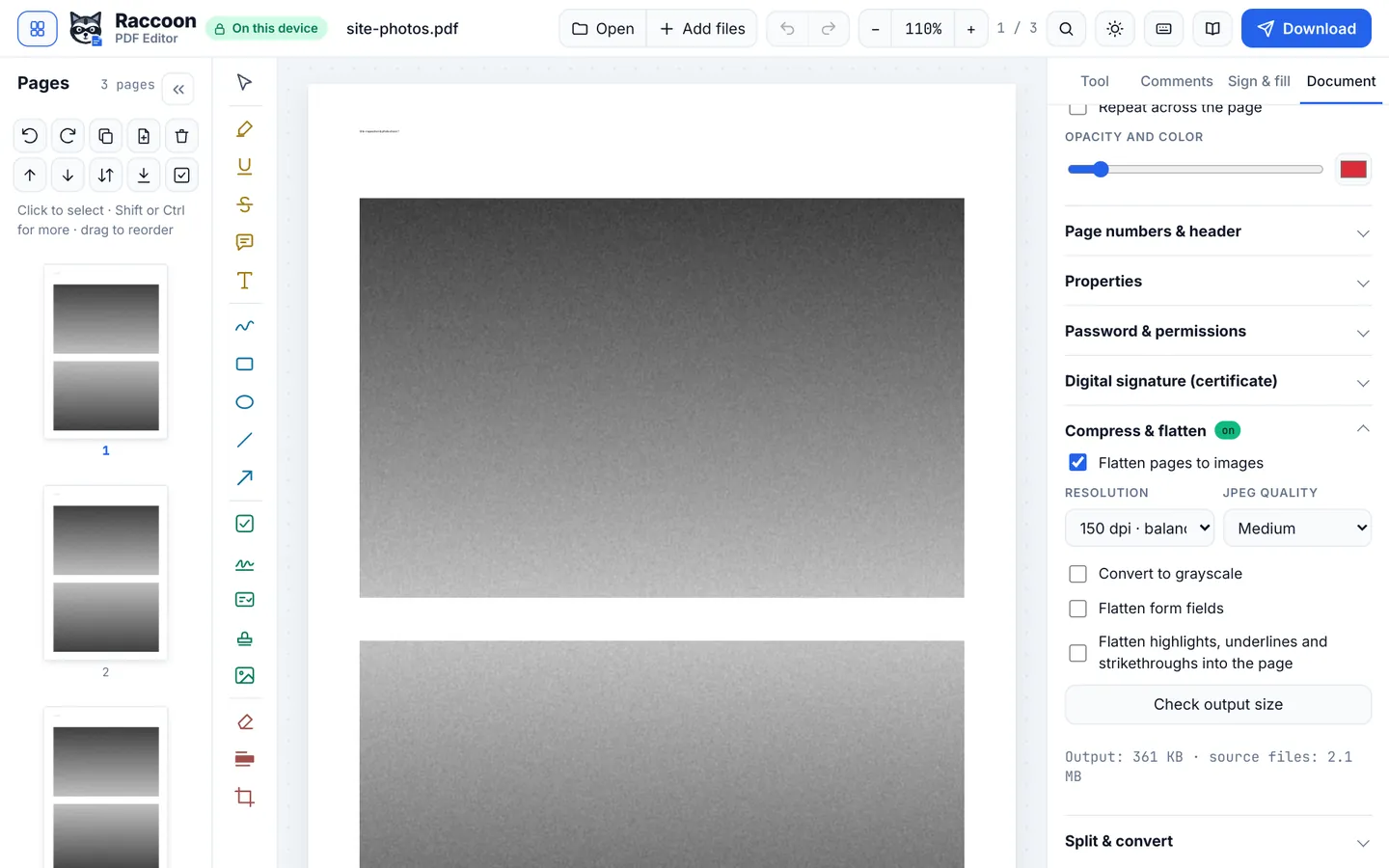
Raccoon's compressor redraws pages at the resolution you choose. You can see the result size first, so you can find the smallest file that still reads well.
Step by step
- Open the PDFGo to raccoonpdf.com/compress-pdf and choose your file.
- Pick a resolutionIn Document › Compress & flatten, choose a resolution: 72 dpi for the smallest file, 110 dpi for reading on screen, 150 dpi as a good balance, or 220 dpi for printing.
- Choose JPEG qualityLow, Medium or High. Medium is a good starting point for scans.
- Check the sizePress Check output size to see how big the file will be before you download.
- DownloadPress Download and send your smaller PDF.
Good to know
- Black-and-white scans shrink much further with Convert to grayscale.
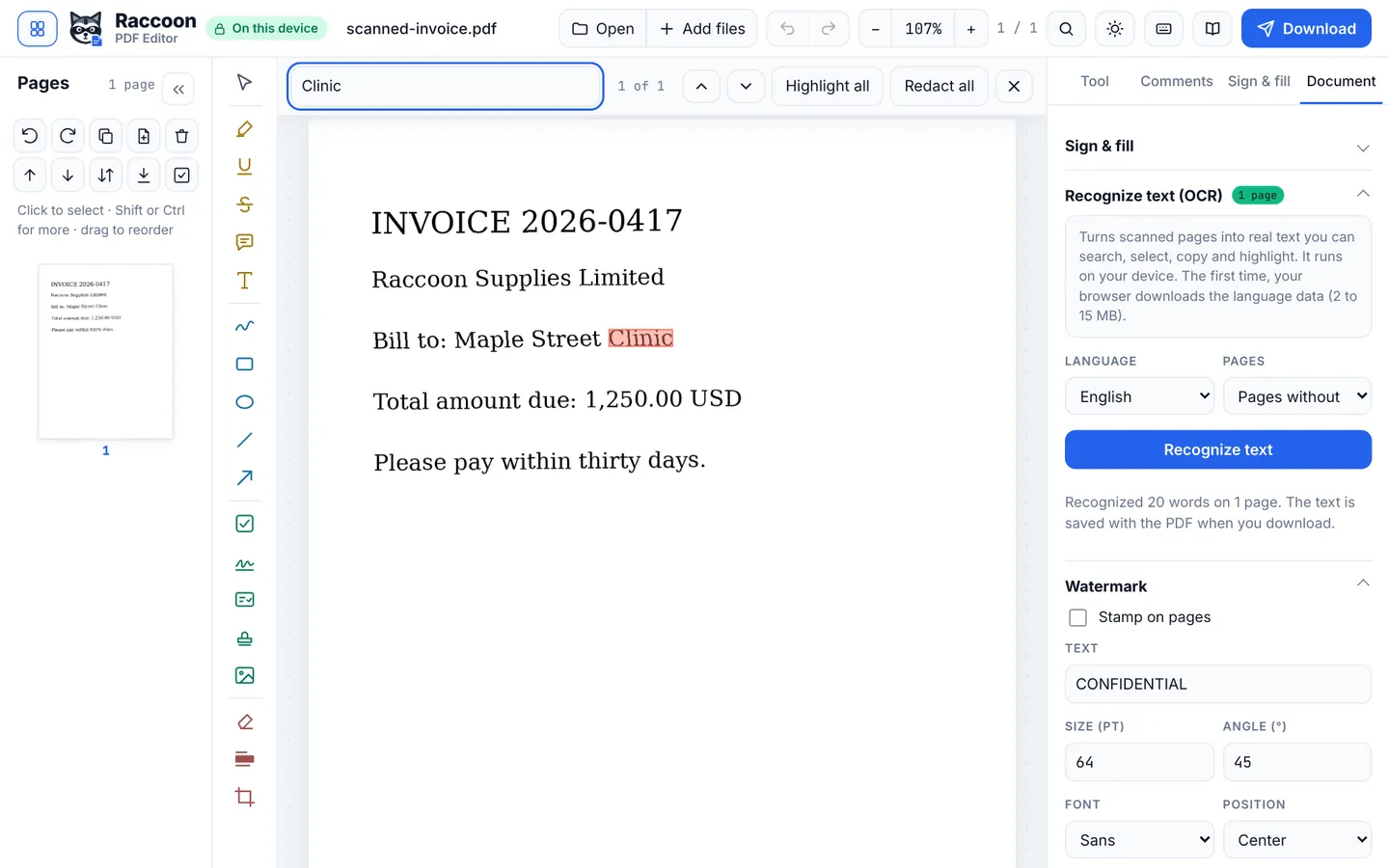
- Compression turns pages into images, so text can no longer be selected. Run Recognize text (OCR) afterwards if you need it searchable.
- Need it under a strict limit? Try 110 dpi and Medium quality first, then go lower only if needed.
Questions
How small will it get?
It depends on the content. Scans and photos often shrink by 70 to 90 percent. PDFs that are mostly text are already small.
Will it look blurry?
At 150 dpi most documents look sharp on screens and print well. 72 dpi is best kept for documents only read on a phone.
Is it private?
Yes. Compression runs in your browser.