Before you start
Bank statements, payslips, contracts and medical records often need to be emailed. A password keeps them unreadable if the email goes to the wrong person or the file is left on a shared computer.
Step by step
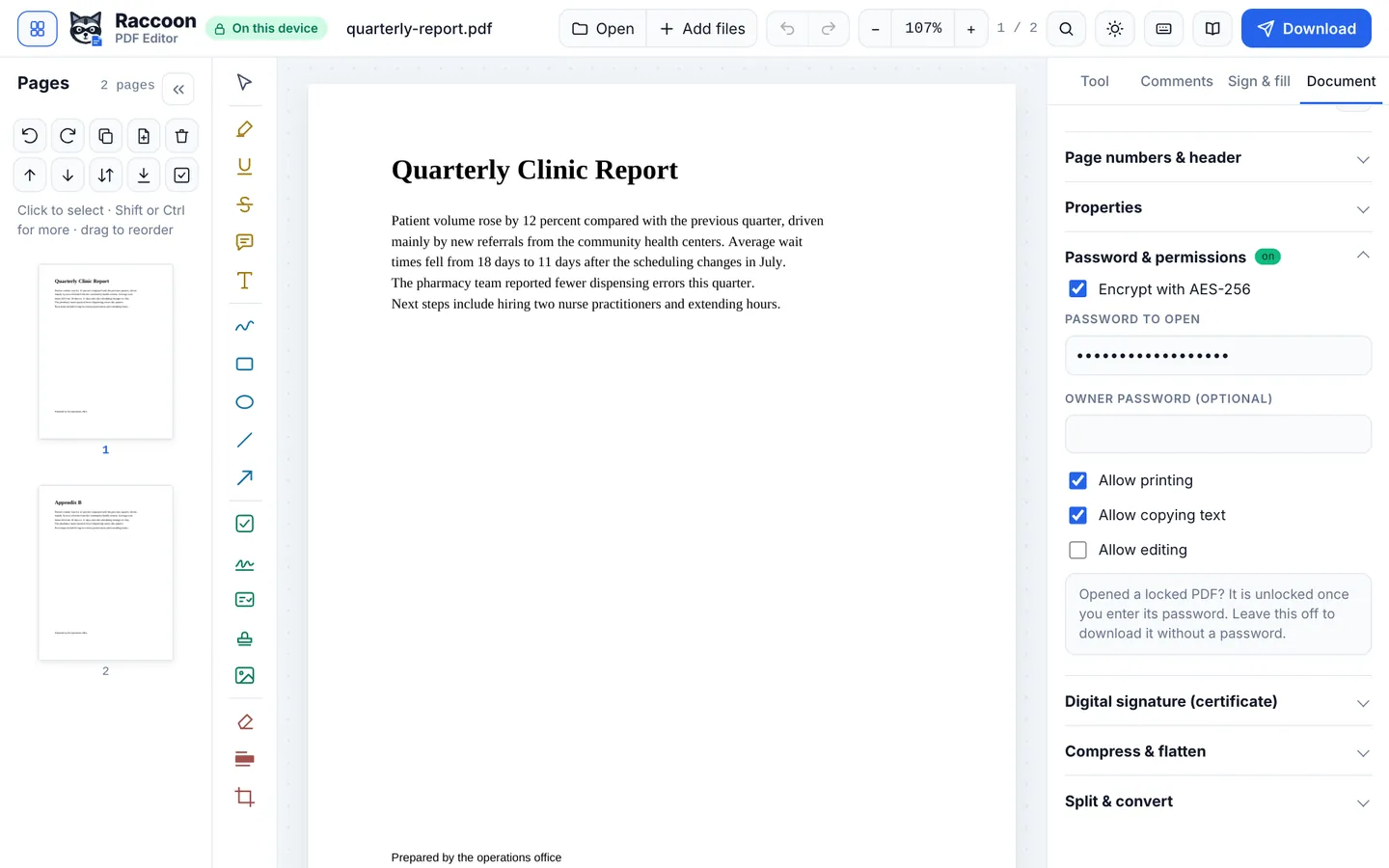
- Open the PDFGo to raccoonpdf.com/protect-pdf and choose the file.
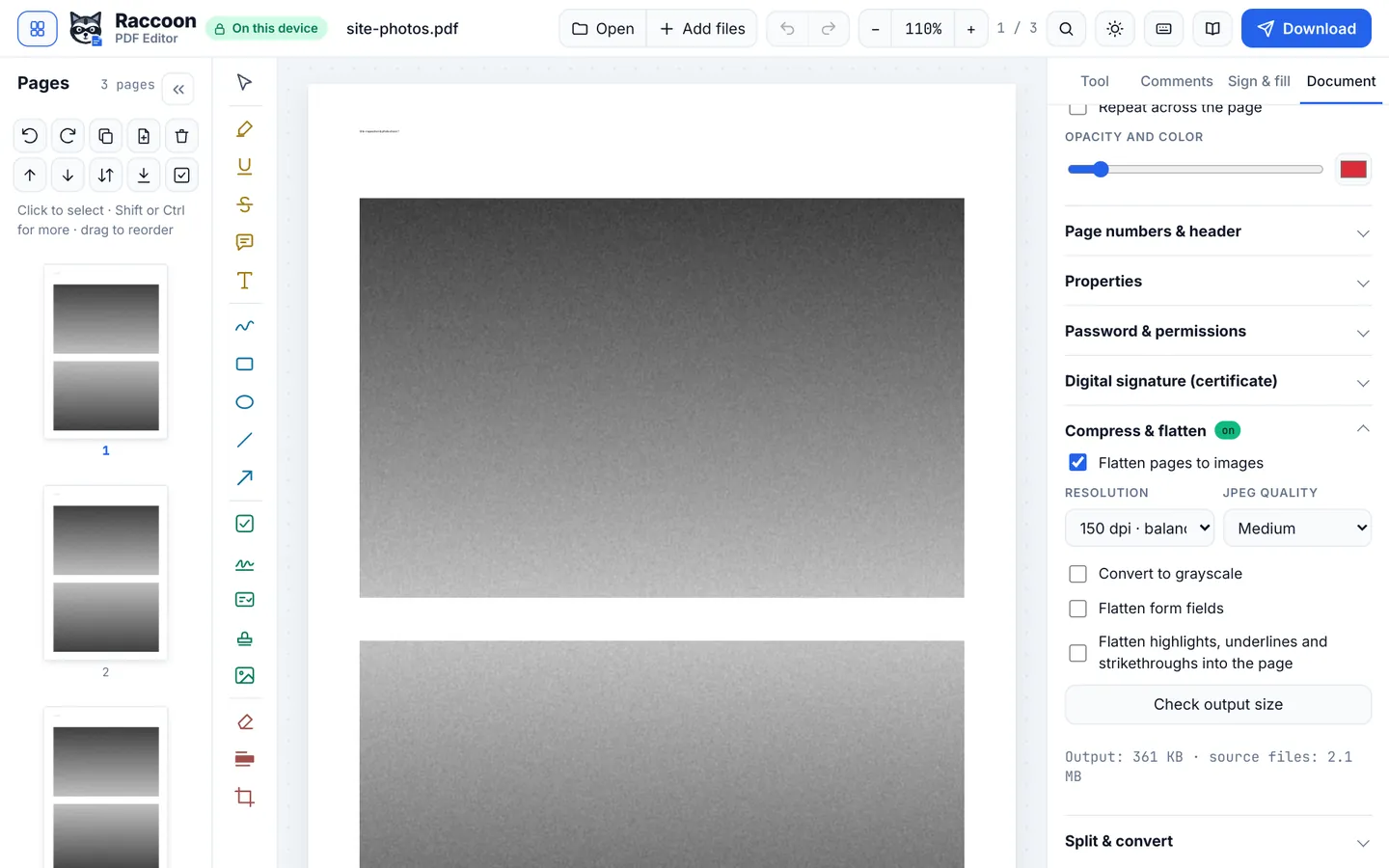
- Turn on encryptionIn Document › Password & permissions, turn on Encrypt with AES-256.
- Set the passwordType a password to open the file. Optionally add an owner password and untick Allow printing, Allow copying text or Allow editing.
- DownloadPress Download. The saved PDF asks for the password in every PDF reader.
Good to know
- Send the password a different way from the file, for example by text message rather than in the same email.
- Use at least 10 characters, or a few unrelated words.
- Opened a protected PDF? Raccoon unlocks it with the password and saves it without one unless you turn encryption on again.
Questions
How strong is the encryption?
AES-256, the same standard used by Adobe Acrobat for PDF passwords.
Can you recover a password I forget?
No. We never see your file or password, so keep it somewhere safe.
Does it work in Adobe Reader?
Yes. Any standard PDF reader will ask for the password.