Before you start
A surprising number of leaks happen because someone covered sensitive text with a black rectangle. The text is still in the file and can be copied out or revealed by deleting the box.
Raccoon's Redact tool removes the content under each mark when you download, and you can find every copy of a name or number with search before you redact.
Step by step
- Open the documentGo to raccoonpdf.com/redact-pdf and choose the PDF.
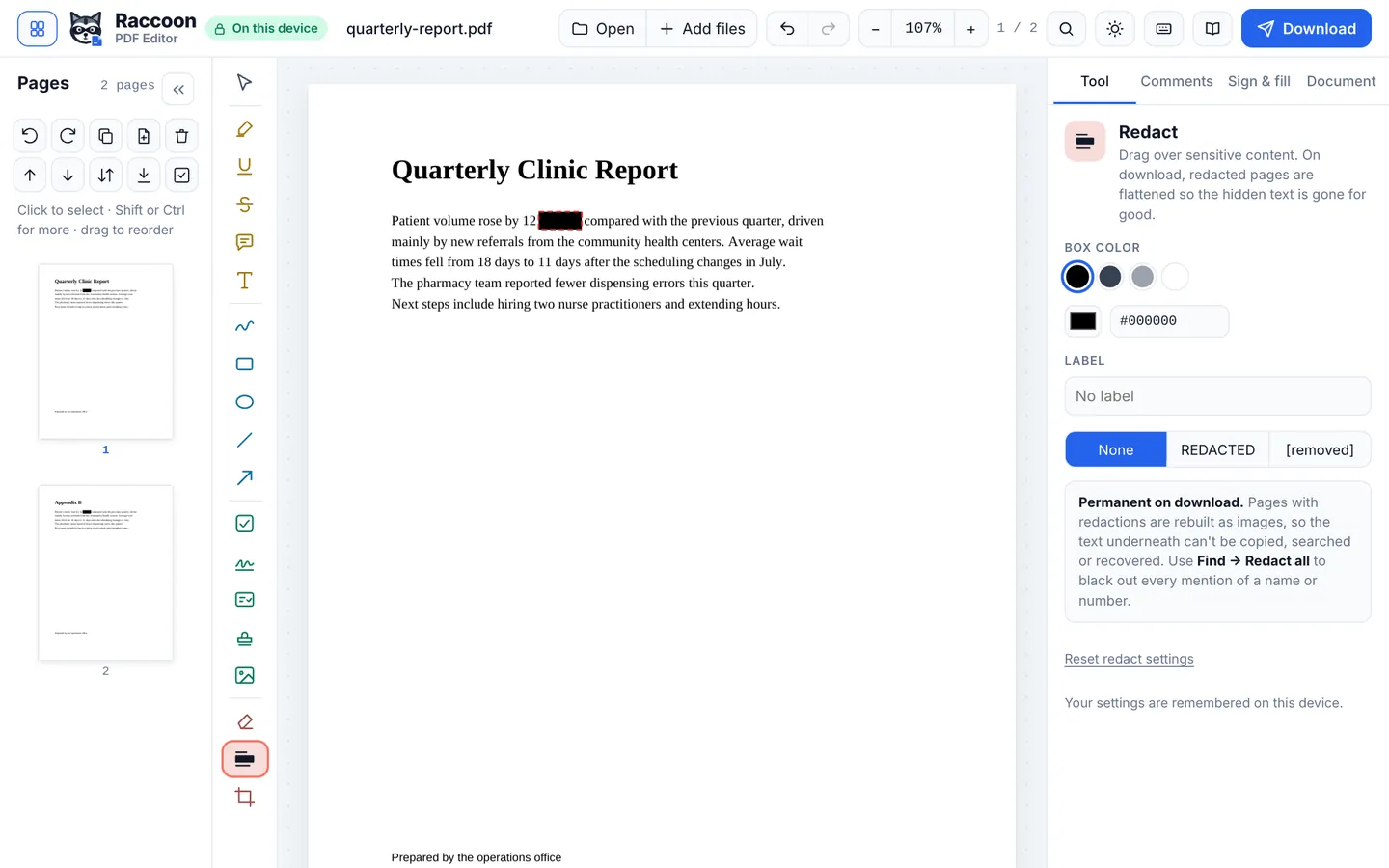
- Mark what to removeChoose Redact and drag over text, numbers, signatures or images. Each area shows as a red-outlined box until you download.
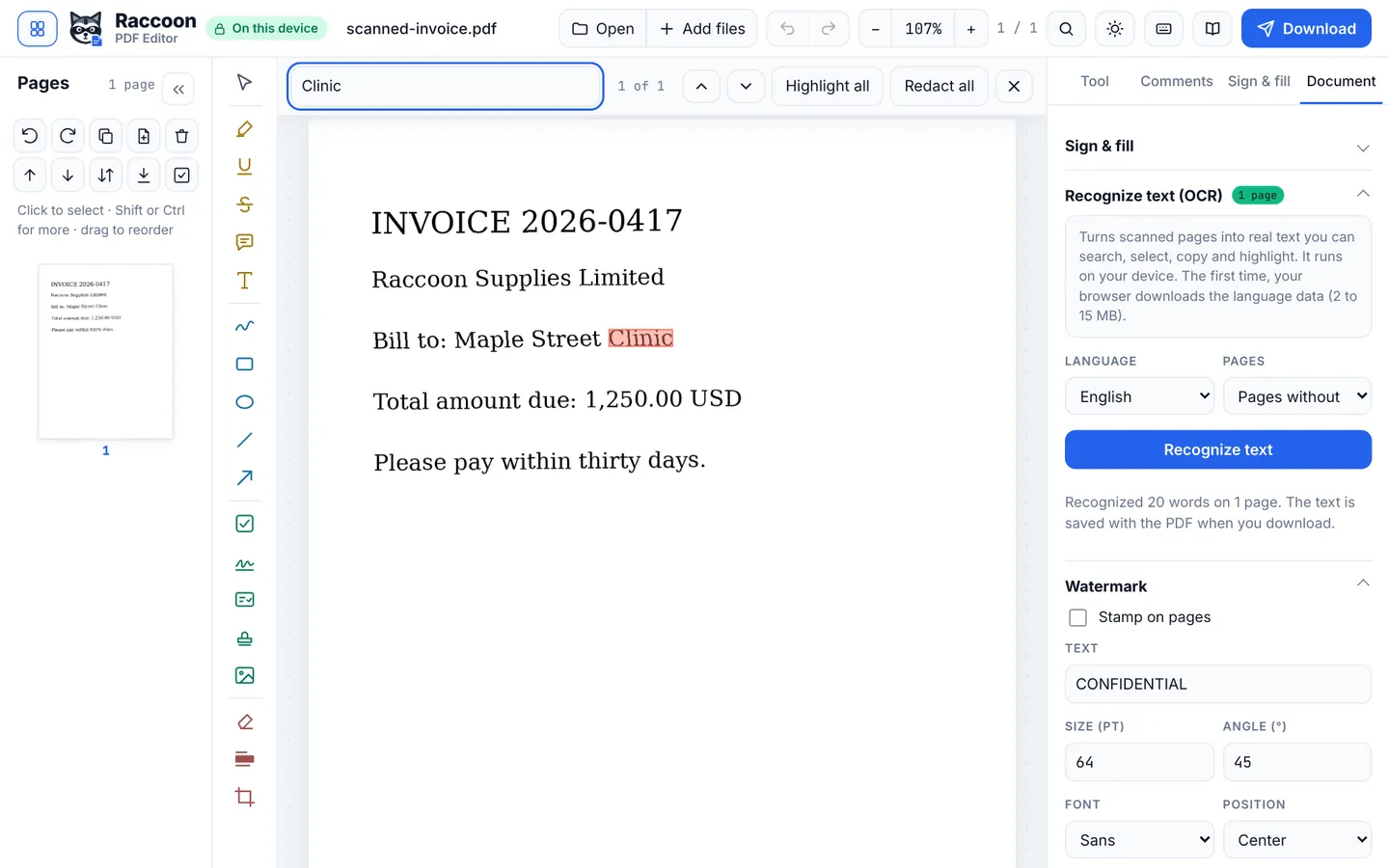
- Find every occurrencePress Ctrl+F (or the search button), type a name, account number or email address, and choose Redact all to mark every match at once.
- ReviewScroll through the pages. Click a mark to delete it if it is not needed.
- Download the redacted copyPress Download. The marked content is removed for good and replaced with solid black. Keep your original if you need it.
Good to know
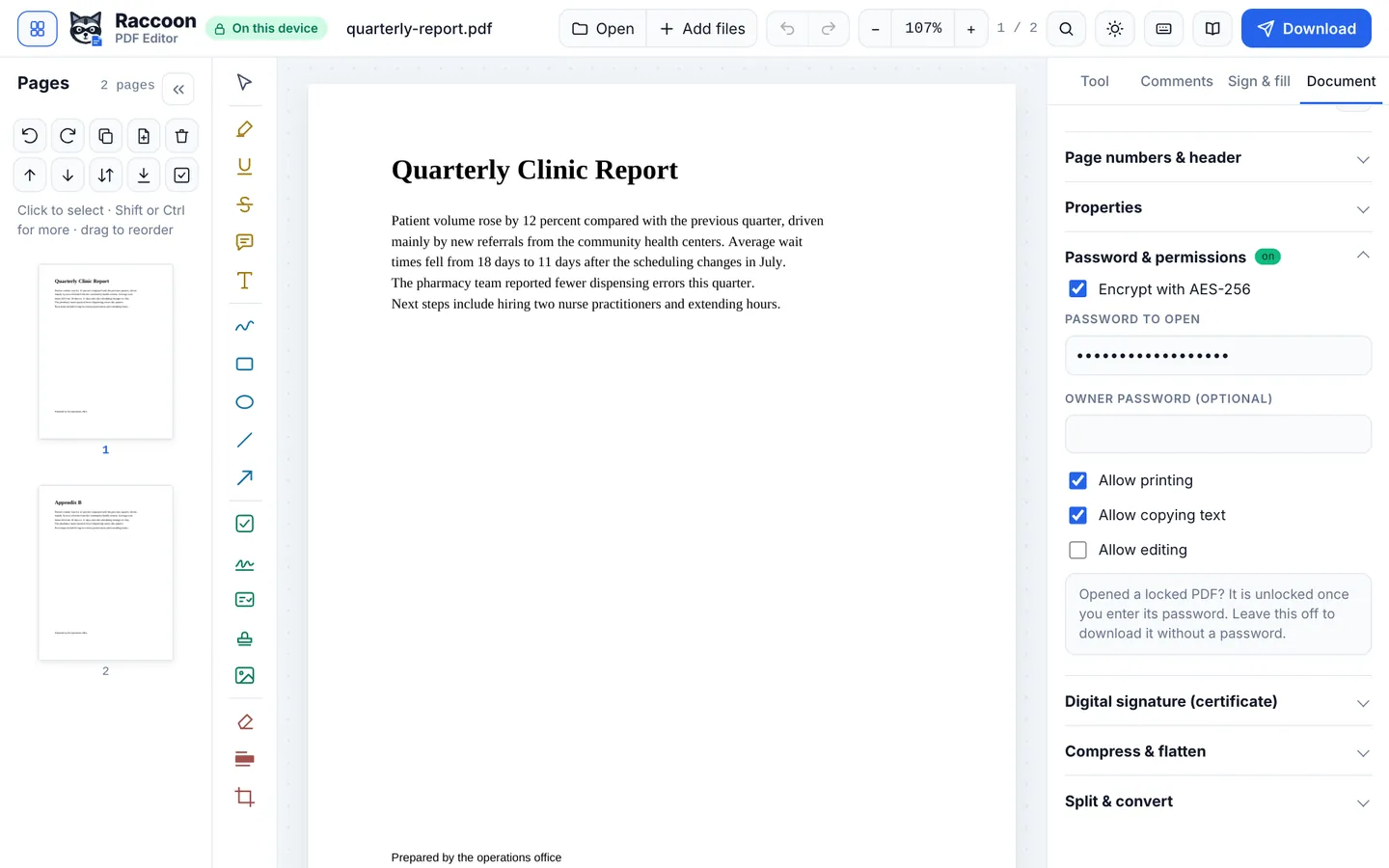
- Redact the file name and document properties too: open Document › Properties and clear the title and author if they reveal anything.
- Check the result by searching the downloaded file for the redacted words. Nothing should be found.
Questions
Can redacted text be recovered?
No. Raccoon removes the text and image content under the marks rather than covering it.
Can I redact a scanned document?
Yes. Draw over the area, and the image underneath is blacked out in the saved file.
Is the document uploaded?
No. Redaction runs on your device, which is exactly where sensitive documents should stay.